← Back to Gaming Accessories Hub
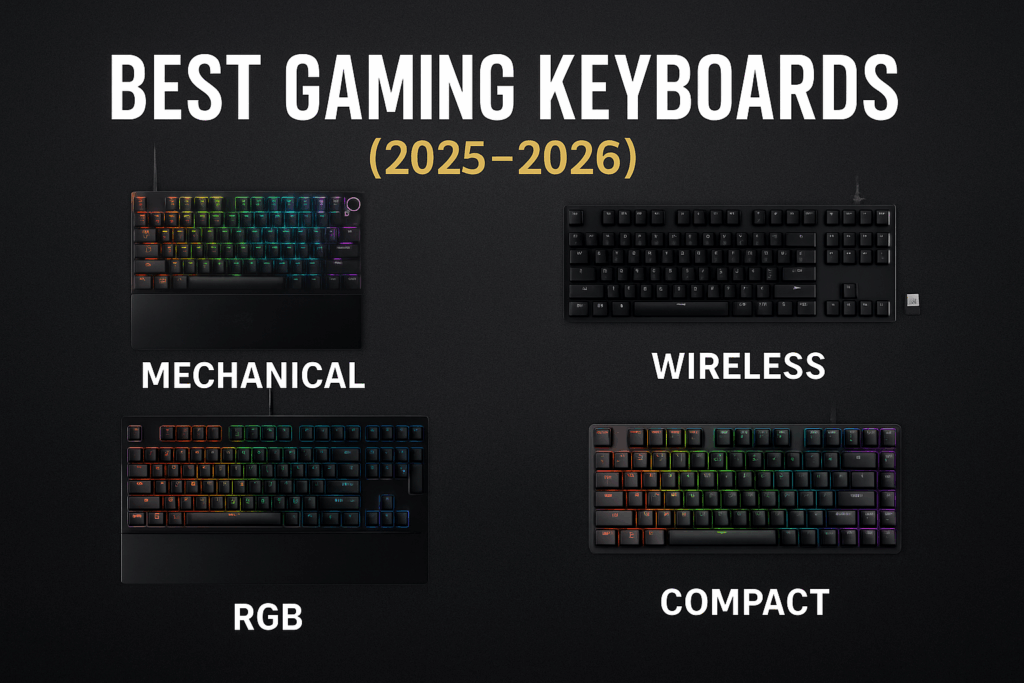
Best Gaming Keyboards (2025–2026)
Looking for the best gaming keyboards that actually feel good to play on and won’t fall apart after a few seasons of ranked? This guide focuses on proven boards across budgets—from under-$50 membranes to magnetic rapid-trigger flagships and low-profile wireless picks.
Last updated: 2025-11-18
Part of our keyboard mini-cluster — compare keyboard sizes, learn keyboard input lag, pick your feel in linear vs tactile switches, decide on a wired vs wireless keyboard for gaming, and see our best 65% keyboards for gaming.
Best Gaming Keyboards at a Glance
| Keyboard | Category | Switch Type | Layout | Connection |
|---|---|---|---|---|
| ASUS ROG Strix Scope II 96 Wireless | Best Overall Gaming Keyboard | Pre-lubed ROG NX / hot-swappable | 96% compact | 2.4 GHz, Bluetooth, wired |
| Razer Huntsman V3 Pro TKL | Best Esports Rapid-Trigger | Optical rapid-trigger | TKL | Wired |
| SteelSeries Apex Pro TKL (2023) | Best Adjustable Magnetic Switches | OmniPoint 2.0 magnetic | TKL | Wired |
| Logitech G915 TKL LIGHTSPEED | Best Low-Profile Wireless | Low-profile mech (GL) | TKL | 2.4 GHz, Bluetooth, wired |
| GK GAMAKAY NaughShark NS68 | Best Budget Hall-Effect 65% | Hall-effect magnetic | 65% | 2.4 GHz, Bluetooth, wired |
| HyperX Alloy Core RGB | Best Under $50 | Membrane | Full-size | Wired |
| Corsair K55 RGB Pro | Best Budget RGB Membrane | Membrane | Full-size | Wired |
| Redragon K552 Kumara | Best Cheap Mechanical | Clicky/tactile mech | TKL | Wired |
ASUS ROG Strix Scope II 96 Wireless — Best Overall Gaming Keyboard
The ROG Strix Scope II 96 Wireless is the “do-almost-everything” gaming keyboard that still feels great for day-to-day typing. You get a compact 96% layout that keeps the numpad, smooth pre-lubed ROG NX switches, sound-dampening foam, hot-swap support, and tri-mode connectivity (2.4 GHz, Bluetooth, wired) in one board.
For most PC players who want one high-end keyboard that can cover ranked nights, work, and couch gaming, this is the easiest recommendation right now.
⌨️ View ASUS ROG Strix Scope II 96 Wireless on Amazon
Why we like it
- 96% layout keeps numpad while saving desk space
- Pre-lubed ROG NX switches feel smooth out of the box
- Tri-mode: 2.4 GHz, Bluetooth, and USB-C wired
- Hot-swappable sockets for future switch experiments
- Solid dampening and stabilizers keep noise under control
Keep in mind
- Premium price vs simple “plug-and-play” budget boards
- Software (Armoury Crate) is powerful but a bit heavy
Razer Huntsman V3 Pro TKL — Best Esports Rapid-Trigger Keyboard
If you care about every tiny movement in Valorant, CS, or arena games, the Huntsman V3 Pro TKL is built for that. Its rapid-trigger optical switches reset as soon as you start to lift your finger, letting you micro-strafe and counter-strafe much faster than on traditional mechanical boards.
Add in on-board actuation tuning, a comfortable wrist rest, solid PBT keycaps, and a compact tenkeyless footprint and you get a serious tournament-ready option for competitive players.
⌨️ View Razer Huntsman V3 Pro TKL on Amazon
Why we like it
- Rapid-trigger optical switches for ultra-fast resets
- Per-key adjustable actuation for fine-tuned movement
- Comfortable magnetic wrist rest included
- Durable PBT keycaps and sturdy chassis
Keep in mind
- Overkill if you mostly play casual RPGs or sims
- Wired only — no wireless option here
SteelSeries Apex Pro TKL (2023) — Best Adjustable Magnetic Switches
The SteelSeries Apex Pro TKL (2023) is still one of the most flexible keyboards you can buy. Its OmniPoint 2.0 magnetic switches let you set actuation anywhere from a feather-light 0.2 mm to a deep 3.8 mm. You can tune movement keys to trigger early for shooters and keep typing keys heavier so they don’t fire on grazes.
Between the compact TKL layout, OLED display for quick tweaks, and clean aluminum top plate, it’s an easy upgrade if you want magnetic switches without fully committing to an esports-only board.
⌨️ View SteelSeries Apex Pro TKL (2023) on Amazon
Why we like it
- OmniPoint 2.0 switches with per-key actuation control
- TKL layout balances mouse room and key coverage
- OLED mini-screen for profiles and quick info
- Great “one board for everything” option
Keep in mind
- Still a premium-priced wired keyboard
- Software required to unlock all tuning features
Logitech G915 TKL LIGHTSPEED — Best Low-Profile Wireless Gaming Keyboard
The Logitech G915 TKL LIGHTSPEED is the go-to pick if you want a clean, low-profile wireless board for both gaming and work. Logitech’s LIGHTSPEED 2.4 GHz connection feels wired-fast, the low-profile GL switches are crisp, and the ultra-slim design looks good on almost any desk.
It also supports Bluetooth, so you can quickly swap between your PC, laptop, and even a tablet or TV, making it a strong “one keyboard, many devices” option.
⌨️ View Logitech G915 TKL on Amazon
Why we like it
- LIGHTSPEED wireless that feels as responsive as wired
- Low-profile switches and slim chassis
- TKL layout with dedicated media wheel
- Dual-wireless: 2.4 GHz dongle + Bluetooth
Keep in mind
- Low-profile feel is different from traditional mech boards
- Battery is good, but RGB at full blast drains faster
GK GAMAKAY NaughShark NS68 — Best Budget Hall-Effect 65% Keyboard
The GK GAMAKAY NaughShark NS68 brings hall-effect magnetic switches to a budget-friendly 65% layout. You get adjustable actuation, rapid-trigger-style responsiveness, and a compact footprint that still keeps arrow keys and a few navigation keys for everyday use.
If you want to try magnetic switches and smaller layouts without jumping straight into high-end tournament pricing, this is a strong entry point.
⌨️ View GK GAMAKAY NaughShark NS68 on Amazon
Why we like it
- Hall-effect switches with adjustable actuation
- Compact 65% layout keeps arrows and vital keys
- Wireless + wired options for flexible setups
- Great value for testing magnetic switches on a budget
Keep in mind
- Software and firmware can be a bit more DIY than big brands
- 65% layout cuts numpad and F-row keys
HyperX Alloy Core RGB — Best Gaming Keyboard Under $50
If you just want a simple, quiet keyboard that’s better than the pack-in one, the HyperX Alloy Core RGB is the safest budget pick. It’s a full-size, spill-resistant membrane board with soft key feel, dedicated media controls, and clean RGB zones.
It’s not mechanical, but for under $50 it’s hard to beat for casual gaming, school, and general use on a single machine.
⌨️ View HyperX Alloy Core RGB on Amazon
Why we like it
- Frequently drops into the $35–45 range
- Quiet membrane keys for shared spaces
- Spill-resistant design with dedicated media keys
Keep in mind
- Membrane feel isn’t as crisp as mechanical
- No hot-swap or deep customization
Corsair K55 RGB Pro — Best Budget RGB Membrane Keyboard
The Corsair K55 RGB Pro takes the budget membrane idea and adds more control. You get six dedicated macro keys, per-zone RGB with iCUE support, and IP42 dust and spill resistance. If you like the idea of simple keys but want more lighting and macro control than the HyperX Alloy Core, this is the move.
It’s also a good “family PC” option where macros can be mapped for apps, shortcuts, or accessibility, not just games.
⌨️ View Corsair K55 RGB Pro on Amazon
Why we like it
- Six macro keys with Elgato Stream Deck integration
- Per-zone RGB with iCUE software support
- Dust and spill-resistant design
Keep in mind
- Still a membrane board — key feel is softer
- iCUE can be overkill if you just want plug-and-play
Redragon K552 Kumara — Best Cheap Mechanical Gaming Keyboard
The Redragon K552 Kumara is one of the cheapest ways to get into true mechanical switches. It’s a compact TKL layout with a heavy metal top plate, clicky/tactile switches, and basic RGB lighting—perfect if you just want that mechanical feel without spending triple-digits.
It’s loud and no-frills, but as a first “real mech” or a backup LAN board, it’s hard to argue with the price.
⌨️ View Redragon K552 Kumara on Amazon
Why we like it
- True mechanical feel at a very low price
- Sturdy metal top plate and compact footprint
- Great starter board for trying mechanical switches
Keep in mind
- Switches are loud and not hot-swappable
- Lighting and software are basic compared with pricier boards
How to Choose the Best Gaming Keyboard
- Start with switch feel: Learn the difference between linear, tactile, and clicky in our linear vs tactile switches guide. Magnetic and optical switches focus on speed; classic mechanicals balance feel and control; membranes are quiet and cheap.
- Pick a layout that fits your desk: Our keyboard sizes guide breaks down full-size, TKL, 75%, 65%, and 60% boards. Bigger layouts keep more keys; smaller ones free mouse space.
- Think about latency: If you play competitive shooters, read up on keyboard input lag so you understand polling rates, debounce, and what “feels instant” in real games.
- Decide on wired vs wireless: Our wired vs wireless keyboard for gaming breakdown explains when 2.4 GHz wireless feels the same as wired, and when a simple cable is still the best choice.
- Plan for comfort and longevity: Look for PBT keycaps, decent dampening, a solid chassis, and (if you like to tinker) hot-swap sockets. A board that feels good will keep you playing longer and reduce the urge to “upgrade” every few months.
How We Choose These Keyboards
We focus on long-term value more than hype. Every pick here is based on current availability, community feedback, and how well it fits a clear use-case: budget starter, everyday all-rounder, competitive play, or wireless couch setup.
When specs look good but user feedback is shaky (firmware issues, double-typing, bad stabilizers), we skip it. When a board keeps showing up in positive owner reviews months after launch, it has a much better chance of staying on this list.
Best Gaming Keyboards FAQ
Are mechanical keyboards really better for gaming?
For most people, yes. Mechanical switches give you a more consistent actuation point, better feedback, and longer switch life than cheap membranes. That makes it easier to build muscle memory and avoid missed inputs in fast-paced games.
Do I need a rapid-trigger or magnetic keyboard?
You only really “need” rapid-trigger or magnetic switches if you care about tiny movement optimizations in shooters or arena games. If you mostly play RPGs, MMOs, strategy, or casual games, a good standard mechanical keyboard will feel great and cost less.
Is wireless fast enough for competitive play now?
Modern 2.4 GHz gaming wireless (like Logitech LIGHTSPEED or ROG SpeedNova) is effectively wired-fast for most players. If you’re on a very tight budget or hate charging, wired is still simpler, but you don’t have to avoid wireless just because you play ranked.
What’s the best gaming keyboard if I’m on a strict budget?
If you’re under $50, the HyperX Alloy Core RGB and Corsair K55 RGB Pro are the safest all-rounders. If you can stretch a little further and don’t mind extra noise, the Redragon K552 gives you a true mechanical feel for cheap.
Every board on this list earns its spot among the best gaming keyboards you can buy right now. Start with your budget, pick a layout that fits your desk, then decide how far you want to lean into magnetic switches or wireless. From there, it’s hard to go wrong with any of these options.
Related Guides
Best 65% Keyboards for Gaming
Wired vs Wireless Keyboard for Gaming
Linear vs Tactile Switches
Keyboard Sizes
Keyboard Input Lag
Best Gaming Mice
Best Gaming Chairs

Best Gaming Mouse for Small Hands (2025–2026)
← Back to Best Gaming Accessories Hub Image © Free Gaming Lounge — stylized concept illustration, not a specific mouse model Best Gaming Mouse for Small Hands (2025–2026) Last updated: December 5, 2025 If you’re trying to find the best gaming mouse for small hands, it can feel like every recommendation is secretly designed for […]
Best PS5 Controllers for 2025 (Competitive, Casual & Accessibility)
← Back to Best Gaming Accessories › Best Gaming Controllers (2025–2026) Best PS5 Controllers for 2025–2026 (Competitive, Casual & Accessibility) From the standard DualSense to high-end pro pads and accessibility options, these are the best PS5 controllers you can buy right now for PS5 and PS5 + PC. This guide is part of our Best […]

Best Gaming Monitors for PC and Console | OLED, 1440p & 4K Picks
← Back to Gaming Accessories Hub Best Gaming Monitors for PC and Console (2025–2026) Last updated: November 28, 2025 Looking for the best gaming monitors for PC and console that actually feel like an upgrade in 2025–2026? This guide focuses on proven 4K OLED flagships, 1440p sweet-spot picks, and genuinely good budget options that balance […]
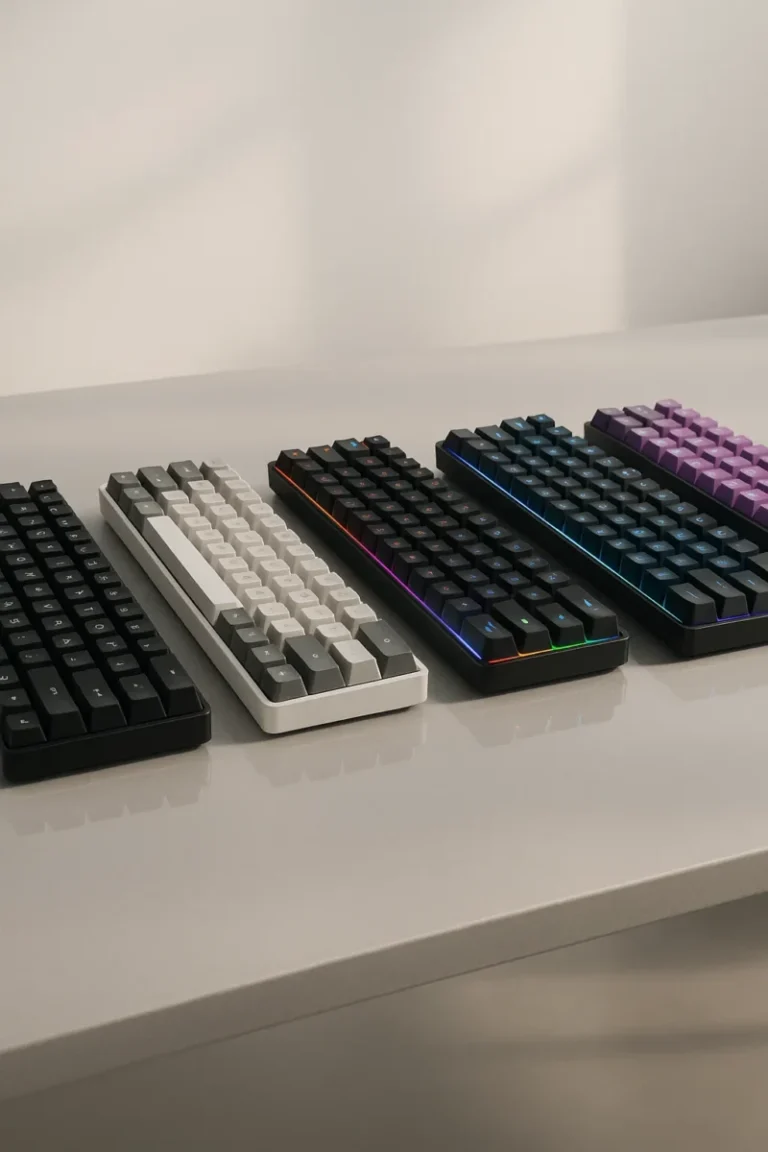
Best 65% Keyboards for Gaming (2025)
← Back to Gaming Accessories Hub Image © Free Gaming Lounge — editorial illustration Best 65% Keyboards for Gaming (2025) Hunting for the best 65% keyboards for gaming? This shortlist focuses on compact boards that combine modern fast-actuation tech (Hall-Effect or optical where it matters) with reliable low-latency paths, from wired 8K monsters to tri-mode […]
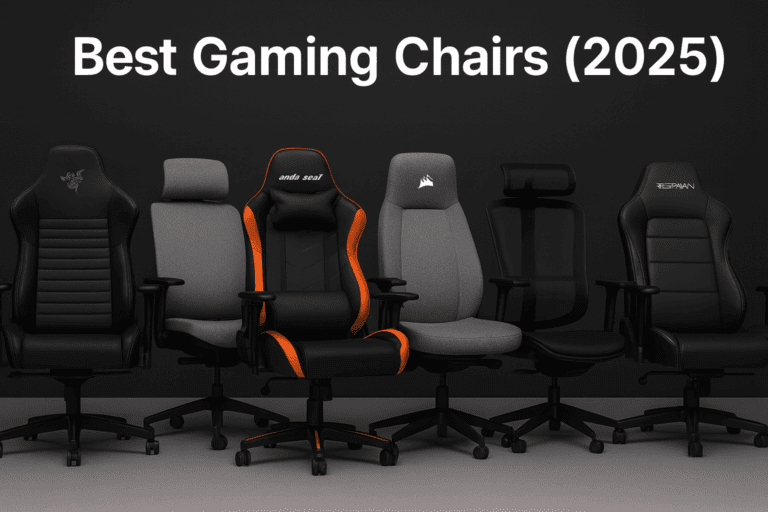
Best Gaming Chairs
← Back to Gaming Accessories Hub Image © Free Gaming Lounge — used for editorial coverage Best Gaming Chairs (2025) Looking for the best gaming chairs 2025? These are the models that keep showing up in recent expert tests, ergonomics guides, and long-term owner reviews — from true office-grade chairs to breathable mesh and big-and-tall […]
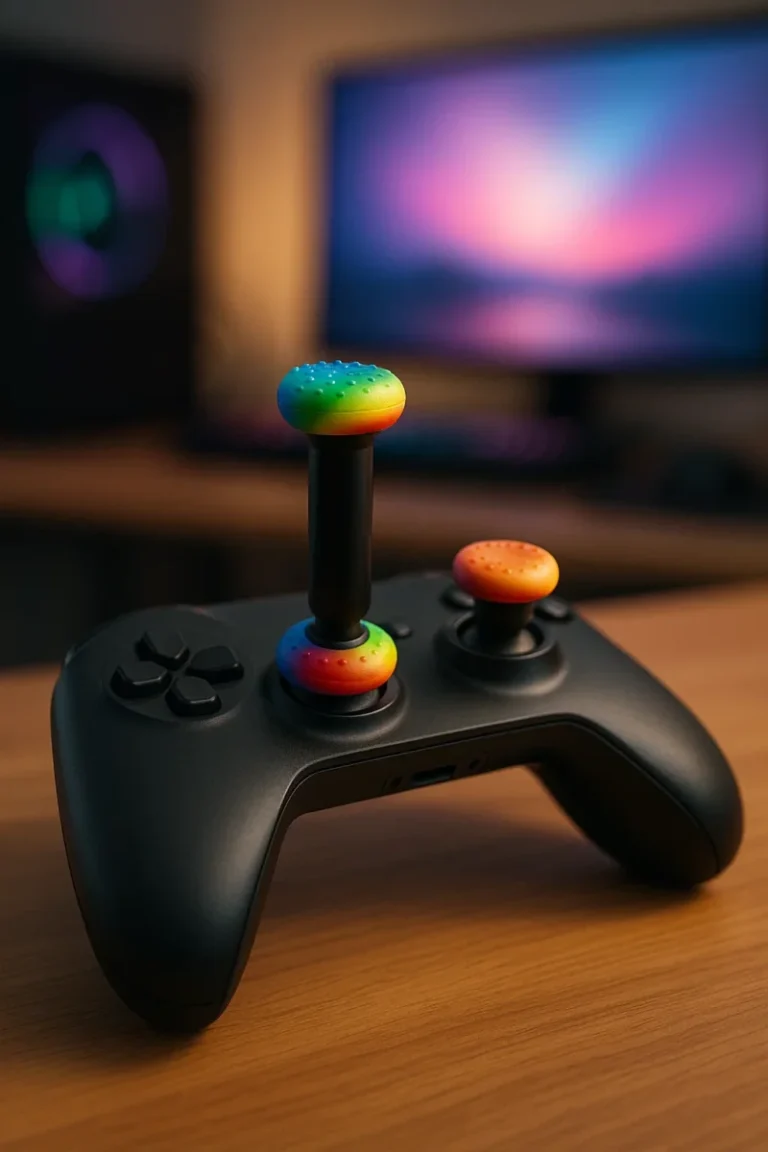
Do Thumb Grips and Thumbstick Extenders Really Help Your Aim?
Do Thumb Grips and Thumbstick Extenders Really Help Your Aim? Thumb grips and thumbstick extenders promise better aim, more comfort, and less wear on your controller. This guide breaks down what they actually do, how much they really help, and when they’re not worth the hassle. Last updated: 2025-11-18 Thumb grips and a high-rise thumbstick […]
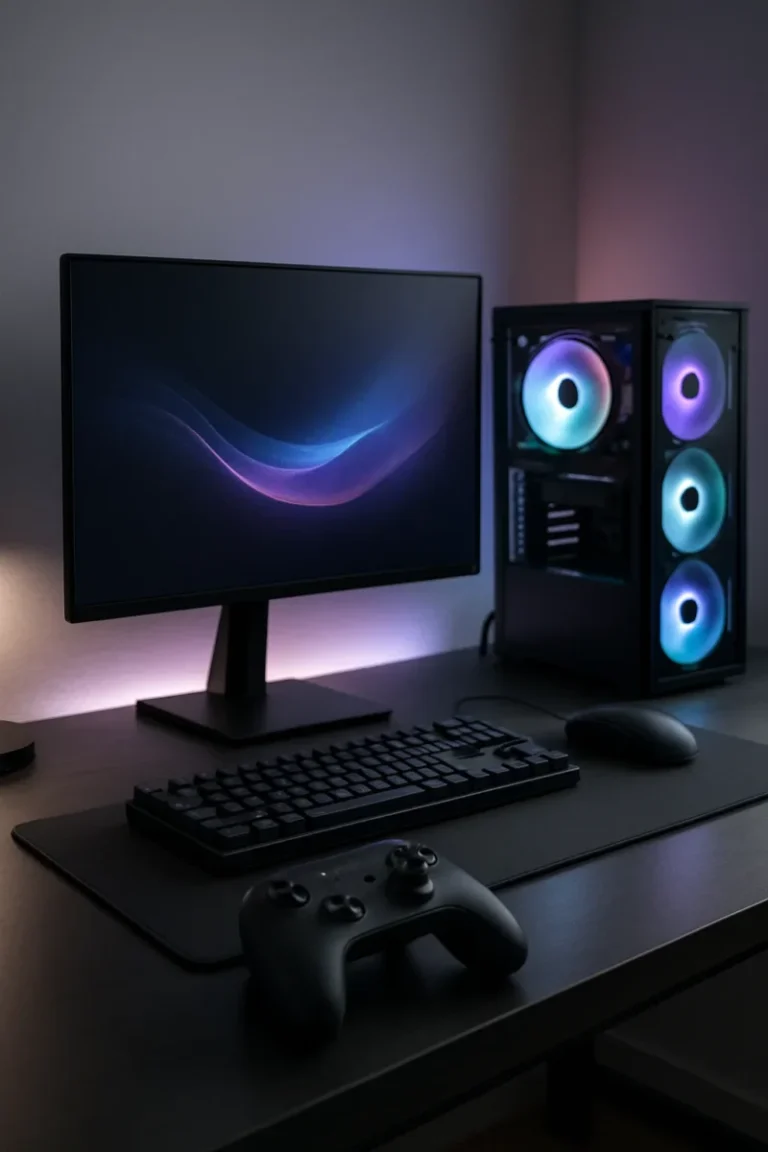
Best Controller for PC Gaming (Hall Effect, Wireless & Budget Picks)
Best Controller for PC Gaming (Hall Effect, Wireless & Budget Picks) If you’re looking for the best controller for PC gaming, this guide cuts through the noise and focuses on pads that actually feel good to use: low input lag, comfortable shapes, and better protection against stick drift for Steam, Game Pass, and everything in between. […]
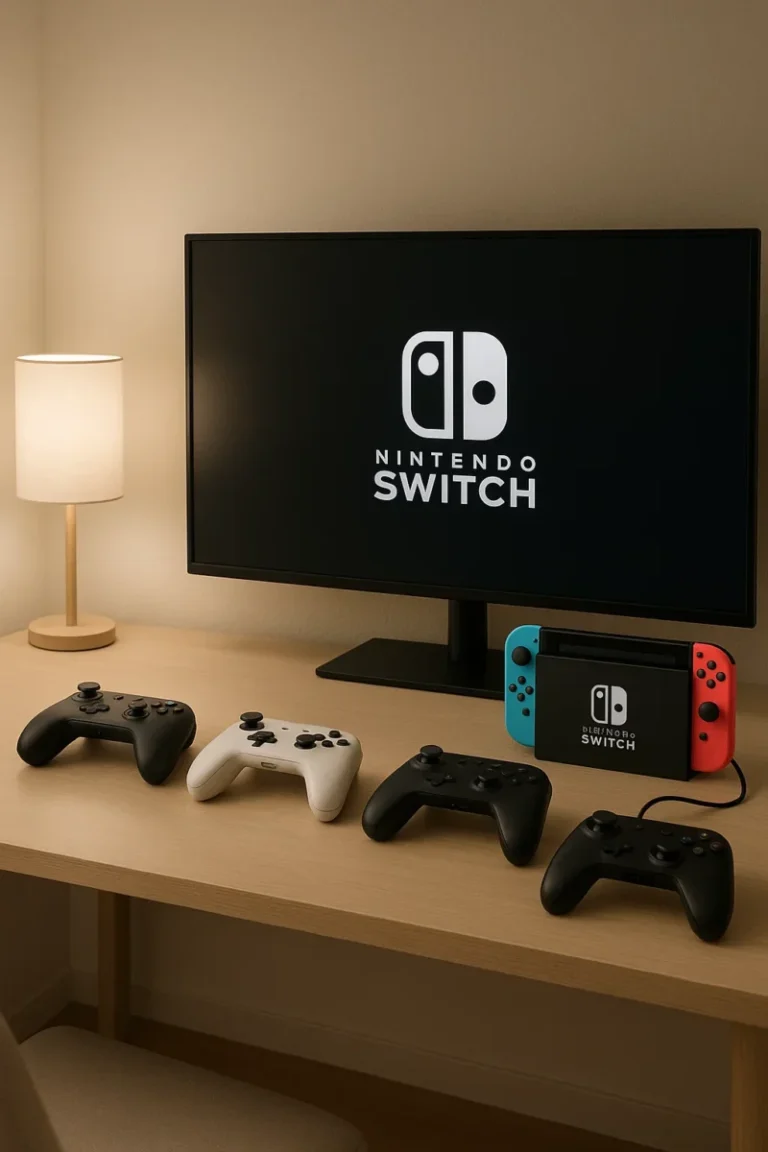
Best Nintendo Switch Controllers (Pro, Budget & Handheld Picks)
Best Nintendo Switch Controllers (Pro, Budget & Handheld Picks) These are the best Nintendo Switch controllers right now if you care about comfort, low-latency wireless, and avoiding stick drift — whether you’re on a launch Switch, Switch OLED, or getting ready for Switch 2–era compatibility. Last updated: 2025-11-16 This guide is part of our controller […]

Best Streaming Microphone (2025–2026): USB & XLR Picks
← Back to Gaming Accessories Hub Image © Free Gaming Lounge — used for editorial coverage Best Streaming Microphones (2025–2026) Looking for the best streaming microphone for Twitch, YouTube, or podcasts? These are the mics we actually recommend for 2025–2026 — from simple USB plug-and-play to pro XLR setups with excellent noise rejection. Last updated: […]

Best Xbox Controller (2025 – 2026) — Top Picks for Series X | S and PC
← Back to Gaming Accessories Hub Image © Free Gaming Lounge — used for editorial coverage This guide is part of our Best Gaming Controllers (2025–2026) series. Best Xbox Controllers (2025–2026) Looking for the best Xbox controller for Xbox Series X|S, Xbox One, or Windows PC? These are the pads we’d actually buy in 2025–2026 […]

Best Gaming Desks for PC & Console Setups (Updated 2025)
Best Gaming Desks for PC & Console Setups (Updated 2025) ← Back to Best Gaming Accessories Hub Image © Free Gaming Lounge — used for editorial coverage Shopping for the best gaming desks doesn’t have to be guesswork. You need stability, real desktop depth, and clean cable routing. If you can add sit–stand, even better. […]
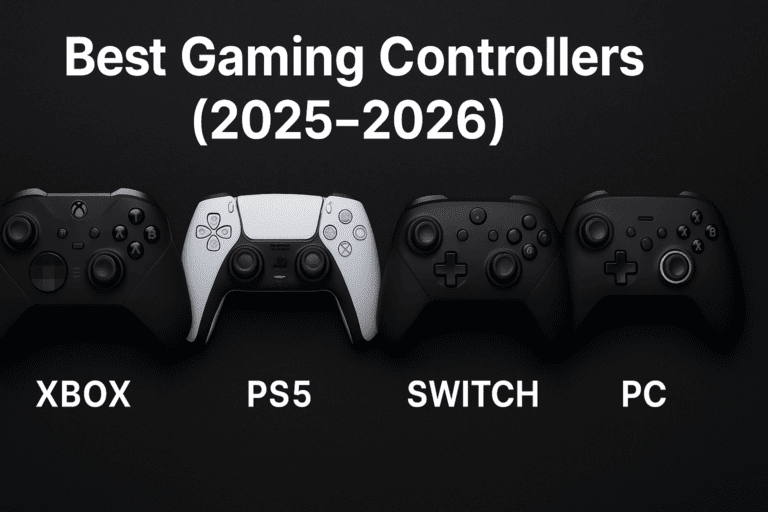
Best Gaming Controllers (2025–2026)
← Back to Gaming Accessories Hub Want picks for a specific system? Check our guides for Xbox, PS5, Nintendo Switch, and PC. Image © Free Gaming Lounge — used for editorial coverage Best Gaming Controllers (2025–2026) This hub rounds up the best gaming controllers across Xbox, PS5, Switch, and PC in 2025–2026. Start with our […]
Best gaming mouse 2025: Top wireless & budget picks
← Back to Gaming Accessories Hub Image © Free Gaming Lounge — used for editorial coverage Best Gaming Mice (2025–2026) Looking for the best gaming mouse 2025 that actually feels right in your hand instead of just flexing DPI numbers? This guide focuses on real-world comfort, shape, and latency — the stuff that actually helps […]
Best Gaming Keyboards (2025–2026): Top Mechanical & Wireless Picks
← Back to Gaming Accessories Hub Best Gaming Keyboards (2025–2026) Looking for the best gaming keyboards that actually feel good to play on and won’t fall apart after a few seasons of ranked? This guide focuses on proven boards across budgets—from under-$50 membranes to magnetic rapid-trigger flagships and low-profile wireless picks. Last updated: 2025-11-18 Part […]

Best Budget Gaming Headset – Top Wired & Wireless Picks
← Back to Gaming Accessories Hub Best Budget Gaming Headsets (Wired & Wireless) The best budget gaming headsets don’t have to sound cheap. You can get clear team chat, solid positional audio, and all-night comfort without dropping $200+. This guide focuses on the best budget gaming headsets that are actually worth buying in 2025 — […]