← Back to Best Gaming Monitors
IPS vs OLED: Which Monitor Panel Is Better for Gaming?
Can’t decide on IPS vs OLED for gaming — a bright, fast IPS gaming monitor or a gorgeous OLED screen? Here’s how they really compare for esports, single-player, mixed PC use, and even big-screen TV gaming. If you’d rather zoom out and compare IPS, VA, and OLED all at once, start with our best panel type for gaming guide.
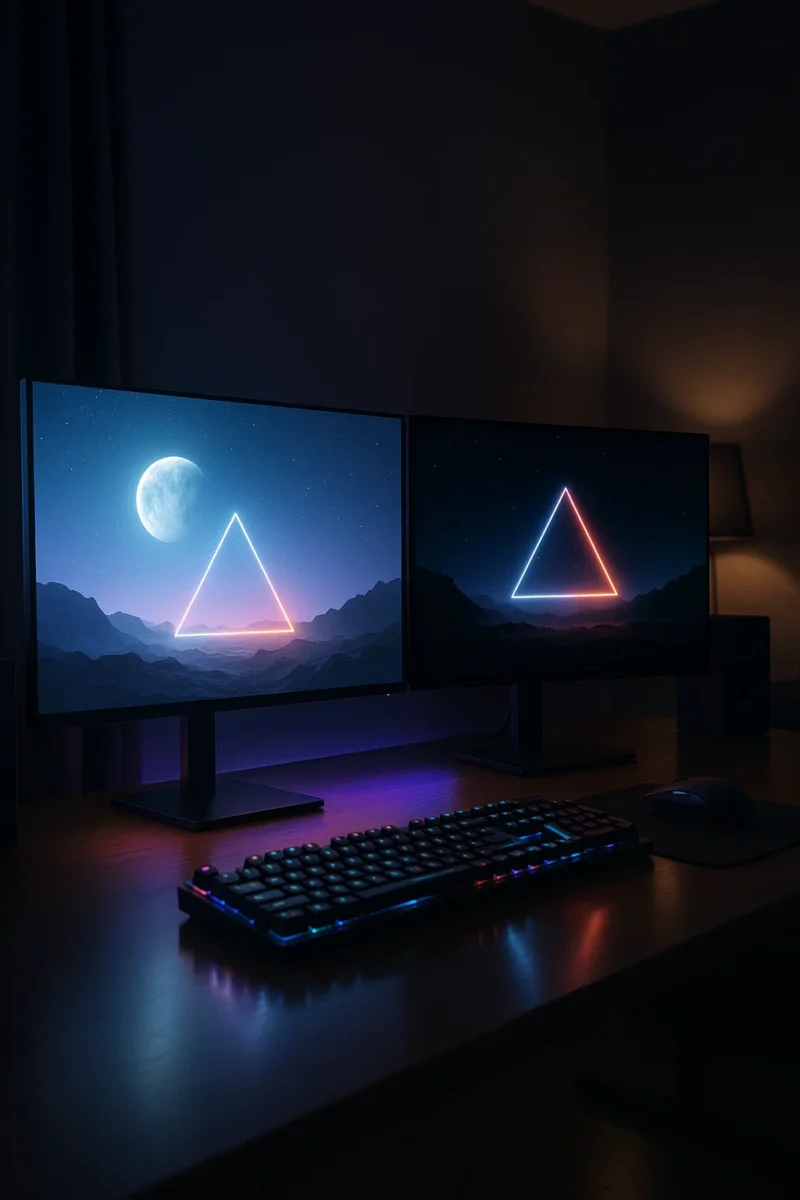
Most modern “LED” gaming monitors still use IPS LCD panels. Newer high-end models, especially around 27–34 inches, often use OLED instead. Both can look amazing, but they trade blows in motion clarity, HDR, brightness, burn-in risk, and price.
This guide compares IPS vs OLED for gaming in plain language, with quick answers for competitive players, cinematic single-player fans, and people who also use their screen for work. Everything here applies to gaming monitors first, and most of it carries over if you’re choosing between an IPS-based “LED TV” and an OLED TV later. If you’re also considering VA panels, our VA vs IPS for gaming and VA vs OLED for gaming breakdowns round out the full picture.
IPS vs OLED at a Glance
| Feature | IPS Gaming Monitor | OLED Gaming Monitor |
|---|---|---|
| Black levels & contrast | Good, but blacks look dark gray in a dark room | Perfect blacks and huge contrast; ideal for dark rooms |
| HDR impact | Fine on bright models, but limited wow-factor | Fantastic HDR pop and depth, even at modest brightness |
| Response & motion | Very fast on modern “fast IPS” panels | Near-instant response, minimal blur; very sharp motion |
| Brightness | Usually brighter; great for sunlit rooms | Can dim in very bright full-screen scenes due to panel protections |
| Burn-in risk | No burn-in; totally safe for static UI | Small burn-in risk over time with static HUDs or desktop apps |
| Color & viewing angles | Excellent color and wide viewing angles | Excellent color with inky blacks; great viewing angles |
| Price | Cheaper for high refresh and big sizes | Still a premium, especially ultrawide or 4K |
| Best for | Bright rooms, budget builds, mixed work + gaming | Cinematic single-player, HDR gaming, dark rooms |
The short version: OLED looks better — especially in dark games and HDR — but IPS is more practical if you’re on a budget, game in a bright room, or use the same screen all day for work. If you want a deeper, engineering-level breakdown of how OLED panels work, this introduction to OLED displays is a solid technical primer. For a head-to-head look at newer backlight tech, see Mini-LED vs OLED for gaming.
What Actually Changes Going From IPS to OLED?
1. Black Levels and Contrast
IPS uses a backlight, so blacks look dark gray at night and can show glow near the edges. OLED pixels turn fully off for black, giving infinite contrast and dramatically better dark scenes. If deep, inky blacks are your top priority, that’s where OLED really separates itself from IPS and even high-contrast VA.
2. Motion Clarity and Response Time
Fast IPS panels are excellent today, especially 144–240Hz. OLED is even cleaner thanks to instant response times. At the same refresh rate, motion usually looks sharper on OLED, especially in dark scenes where some IPS and VA panels can show smearing. For a broader look at how panel type affects motion, check out VA vs OLED for gaming as well.
3. Brightness and Room Lighting
IPS is generally brighter and pushes through glare better. OLED peaks bright in highlights but dims during full-screen white scenes to protect the panel. In bright rooms or near windows, IPS is easier to see and more forgiving if you can’t control lighting very well.
4. Burn-In Risk
IPS has none. OLED has a small burn-in risk over long periods with static HUDs, desktop UIs, or news tickers. For nightly gaming sessions, risk is low. For 8-hour desktop work, IPS is safer — especially if your taskbar, app layout, and UI barely move all day.
5. Color, Wide Gamut, and Nano IPS
IPS and OLED both deliver excellent color. High-end IPS (including “Nano IPS” or similar branding) can cover wide color gamuts and look fantastic. The real visible difference remains black levels and contrast. That’s why nano IPS vs OLED still comes down to whether you play mostly in dark scenes or bright rooms, more than raw color performance alone.
IPS vs OLED for Gaming: Who Should Choose Which?
Competitive FPS and Ranked Multiplayer
- IPS advantage: cheaper high refresh, brighter in bright rooms, no burn-in worries for static HUDs.
- OLED advantage: better visibility in shadows and slightly sharper motion.
If you’re chasing value or play hours of ranked every night, 240Hz IPS still makes a ton of sense. If visual performance matters most and price isn’t an issue, a 240Hz OLED is incredible. To decide how far to push refresh rate, read our guide to the best refresh rate for gaming.
Single-Player and HDR Gaming
OLED wins big here. Deep blacks, glowing highlights, and no blooming make cinematic games look closer to a high-end TV than a typical monitor. Story-heavy RPGs, horror games, and space sims especially benefit from OLED’s contrast.
Mixed Gaming + Work + Daily Use
- IPS: safer for static UI and text-heavy work; usually brighter for daytime productivity.
- OLED: gorgeous for games and movies, but benefits from screen savers, auto-hide taskbars, and turning the display off when you step away.
If your monitor doubles as your main work screen and you keep similar windows open all day, IPS is the lower-stress choice. If you have a separate work display or mostly game on this one, OLED’s image quality becomes easier to justify.
IPS vs OLED for Color Accuracy and Photo/Video Work
For strict professional editing, IPS is still the standard because brightness and gamma remain stable and predictable. OLED looks stunning and is accurate overall, but panel protections can change brightness based on window size, which can be annoying if you need completely consistent reference behavior.
IPS vs OLED Laptops and TV Gaming
Laptops
- OLED laptops: incredible for games and movies, but draw more power and are usually glossy.
- IPS laptops: more practical for productivity and long sessions with static UI.
OLED TV vs IPS-Based “LED TV” for Console Gaming
- OLED TV: best picture quality for cinematic titles in a dim room.
- IPS / LED TV: better for bright rooms, cheaper at large sizes, and no burn-in worries for menus left up.
If you want to compare OLED to other TV tech directly, our OLED vs QLED for gaming and Mini-LED vs OLED for gaming guides walk through those trade-offs in more detail.
Quick Checklist: Should You Buy IPS or OLED?
Pick IPS If…
- You play a lot of ranked FPS and want the cheapest 240Hz+ option.
- Your setup is bright or near windows.
- You use the same screen all day for school/work and don’t want to think about burn-in.
- You’re building a balanced or budget-focused PC.
Pick OLED If…
- You mainly play single-player or co-op games and want the best picture quality.
- You game in a normal or dim room and want dramatic HDR.
- You’re okay with basic precautions like screen savers and auto-hide taskbars.
Related Guides
- Best panel type for gaming (IPS vs VA vs OLED)
- VA vs IPS for gaming
- VA vs OLED for gaming
- Mini-LED vs OLED for gaming
- OLED vs QLED for gaming
- Best gaming monitors for PC and console
- Best refresh rate for gaming
- 1080p vs 1440p vs 4K gaming
- Best monitor size for gaming
IPS vs OLED FAQ
Is OLED always better for gaming?
Visually, yes — OLED has better blacks, contrast, and HDR. But for bright rooms, long desktop sessions, or tight budgets, IPS can be the smarter buy. You’re choosing between maximum image quality (OLED) and maximum practicality (IPS).
Is burn-in still a risk on OLED?
It’s much lower than it used to be, but not gone. For gaming a few hours a day, especially on console, risk is low. For 6–8 hours of desktop work daily on the same screen, IPS is safer unless you’re very careful with screen savers and UI movement.
Is IPS or OLED better for console gaming?
If you can dim the lights, OLED gives the best experience thanks to perfect blacks and punchy HDR. In a bright living room, a bright IPS/LED TV can be more practical and easier on the wallet.
Will OLED make my PC feel faster?
It won’t increase FPS, but instant pixel response and deeper contrast can make games feel snappier and more immersive. For pure ranked value, 240Hz IPS remains excellent; for “wow factor,” OLED wins.
Bottom line: IPS is the safe, flexible choice for bright rooms, long workdays, and budget builds. OLED is what you pick when you want the best-looking games and movies your hardware can push. Once you know which camp you’re in, use our best gaming monitors for PC and console guide to find specific models that match your platform, room, and budget.
Mini-LED vs OLED: Which Is Better for Gaming and Movies?
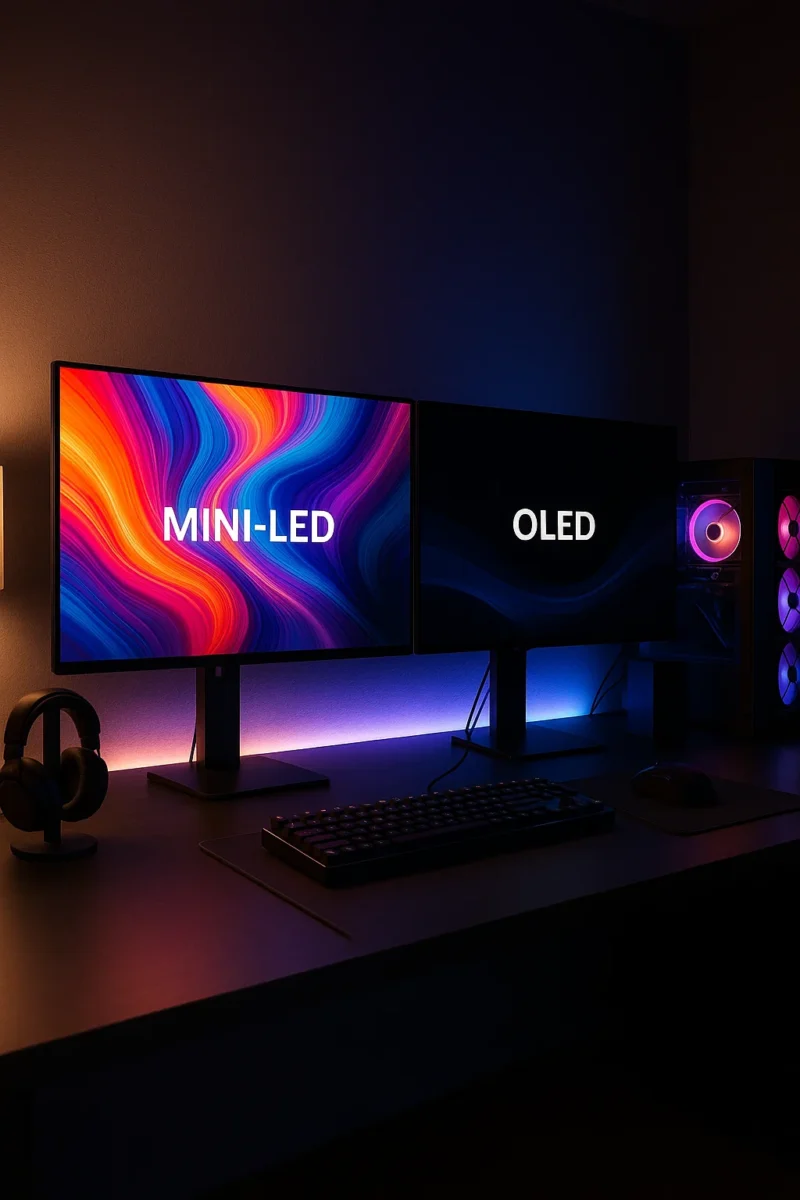
← Back to Best Gaming Monitors Monitor guides: Best panel type · Refresh rate · Resolution · Size & distance Mini-LED vs OLED: Which Is Better for Gaming and Movies? If you’re trying to decide between mini led vs oled, it really comes down to how you use your screen. One is a super-charged LCD […]
Best Panel Type for Gaming: IPS vs VA vs OLED (2025 Guide)
← Back to Best Gaming Monitors Best Panel Type for Gaming: IPS vs VA vs OLED (2025 Guide) Everywhere you look, people say OLED is the best panel type for gaming. In a darker room with cinematic games, that’s usually true. But it isn’t automatically the right choice for every setup, budget, or play style […]
VA vs OLED: Which Panel Type Is Better for Gaming?
← Back to Best Gaming Monitors Monitor guides: Best panel type · Refresh rate · Resolution · Size & distance VA vs OLED: Which Panel Type Is Better for Gaming? Trying to pick between a high-contrast VA gaming monitor and a stunning OLED screen? This VA vs OLED guide breaks down black levels, HDR, motion, […]
IPS vs OLED: Which Monitor Panel Is Better for Gaming?
← Back to Best Gaming Monitors Monitor guides: Best panel type · Refresh rate · Resolution · Size & distance IPS vs OLED: Which Monitor Panel Is Better for Gaming? Can’t decide on IPS vs OLED for gaming — a bright, fast IPS gaming monitor or a gorgeous OLED screen? Here’s how they really compare […]
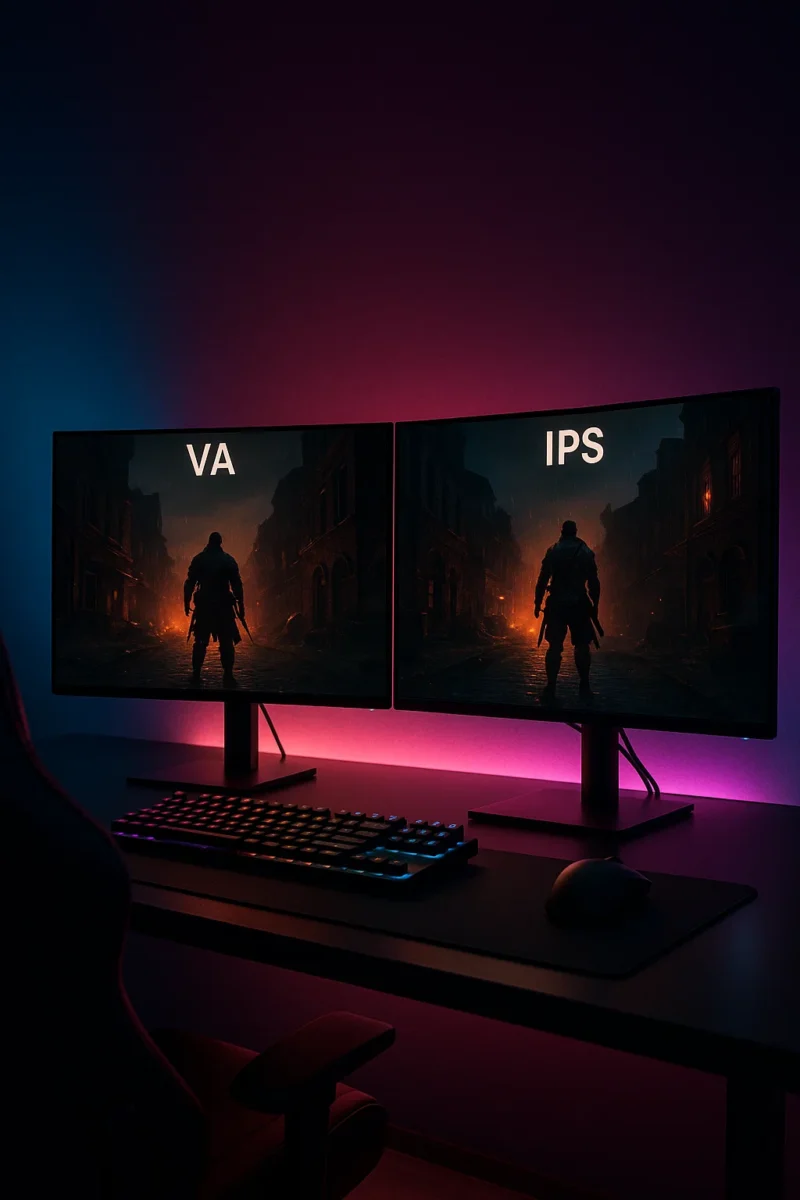
VA vs IPS: Which Monitor Panel Is Better for Gaming?
← Back to Best Gaming Monitors Monitor guides: Best panel type · Refresh rate · Resolution · Size & distance VA vs IPS: Which Monitor Panel Is Better for Gaming? Trying to decide between a VA vs IPS gaming monitor? Both panel types can look great, but they have very different strengths. This guide breaks […]
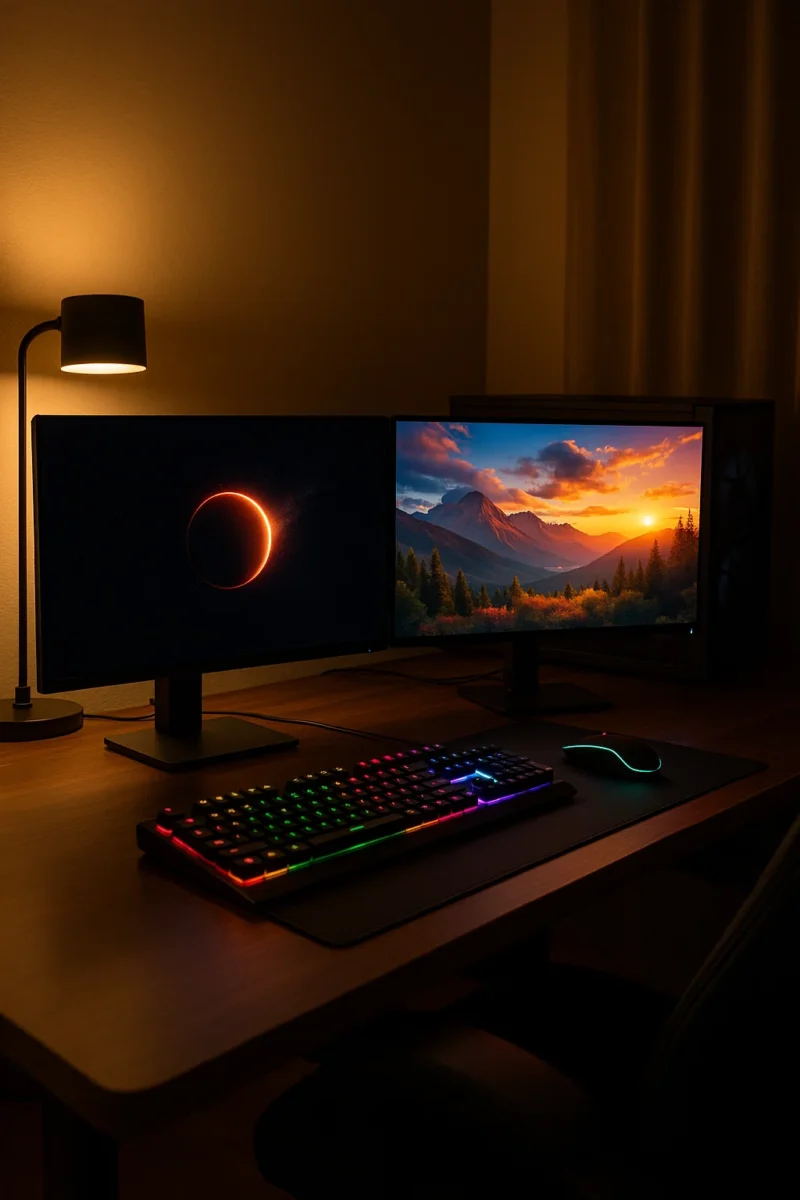
OLED vs QLED for Gaming & TV: Which Is Better?
← Back to Best Gaming Monitors Monitor guides: Best panel type · Refresh rate · Resolution · Size & distance OLED vs QLED for Gaming & TV: Which Is Better? Trying to decide between an OLED or QLED screen for your next gaming monitor or TV? This guide breaks down the real differences in plain […]
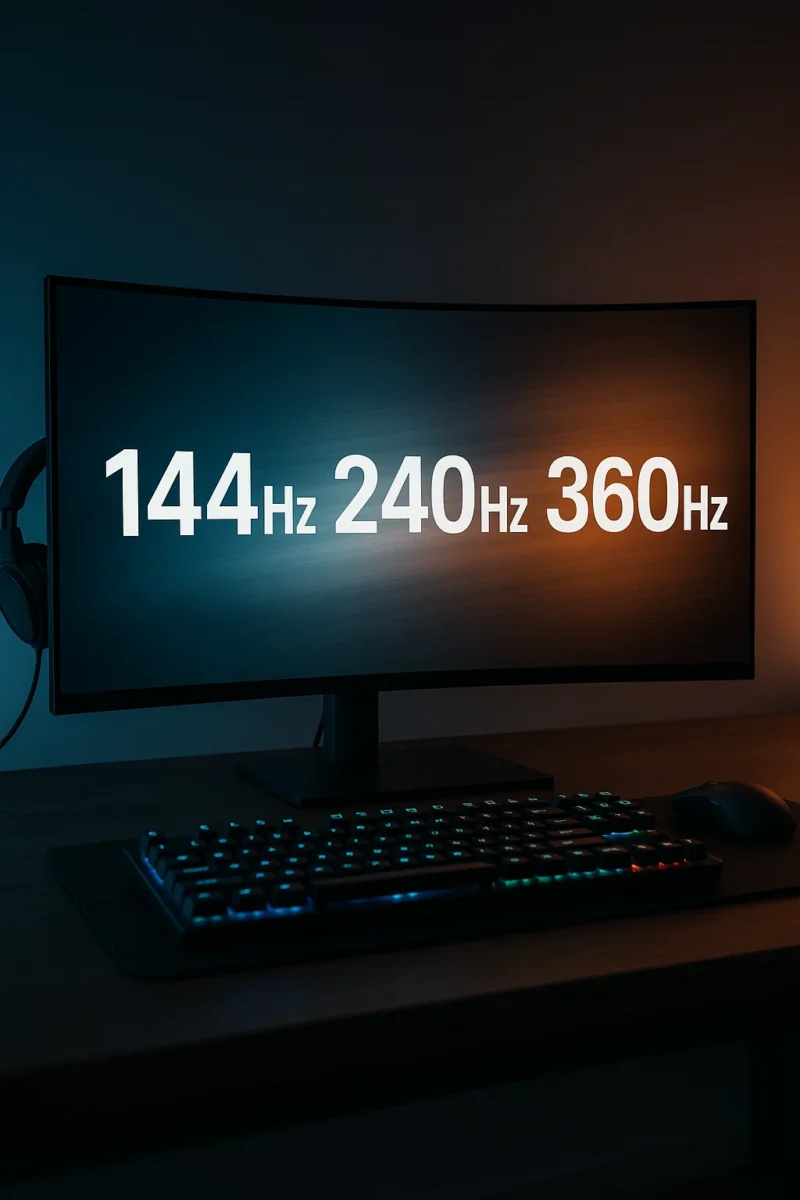
Best Refresh Rate for Gaming (144Hz vs 240Hz vs 360Hz Explained)
← Back to Best Gaming Monitors Best Refresh Rate for Gaming: 144Hz vs 240Hz vs 360Hz Image © Free Gaming Lounge — Stylized high-refresh gaming setup used to illustrate differences between refresh rates. If you’re trying to figure out the best refresh rate for gaming, you’ve probably seen “144Hz,” “240Hz,” and even “360Hz” slapped all […]

Best Gaming Monitors for PC and Console | OLED, 1440p & 4K Picks
← Back to Gaming Accessories Hub Best Gaming Monitors for PC and Console (2025–2026) Last updated: November 28, 2025 Looking for the best gaming monitors for PC and console that actually feel like an upgrade in 2025–2026? This guide focuses on proven 4K OLED flagships, 1440p sweet-spot picks, and genuinely good budget options that balance […]
What Size Monitor Is Best for Gaming? Best Monitor Size by Distance & Resolution
← Back to Best Gaming Monitors Image © Free Gaming Lounge — used for editorial coverage What Size Monitor Is Best for Gaming? Best Monitor Size by Distance and Resolution Last updated: November 26, 2025 Picking the best monitor size for gaming feels simple until you actually try to buy one. Reddit says one thing, […]
1080p vs 1440p vs 4K for Gaming: Which Resolution Is Best for Your Setup?
← Back to Best Gaming Monitors Image © Free Gaming Lounge — used for editorial coverage 1080p vs 1440p vs 4K for Gaming: Which Resolution Is Best for Your Setup? Stuck choosing between 1080p vs 1440p vs 4K for gaming? You’re not alone. Resolution is one of the first big decisions after budget, and it […]