← Back to Best Gaming Monitors
VA vs OLED: Which Panel Type Is Better for Gaming?
Trying to pick between a high-contrast VA gaming monitor and a stunning OLED screen? This VA vs OLED guide breaks down black levels, HDR, motion, brightness, burn-in risk, and which one actually makes sense for your setup. If you want the bigger picture on IPS, VA, and OLED before zooming into this matchup, start with best panel type for gaming.
For years, VA (vertical alignment) panels were the go-to choice for people who wanted deeper blacks than IPS without paying OLED prices. Now that OLED gaming monitors and TVs are more common, a lot of people are asking the same thing: is VA still worth it, or should I just go OLED?
The honest answer: OLED looks better almost everywhere, especially in dark rooms and cinematic games, but a good VA panel can still be the smarter pick if you need more brightness, bigger sizes, or lower prices — and you never want to think about burn-in. Once you know which one fits your use case, you can jump over to our best gaming monitors for PC and console to see actual models.
VA vs OLED at a Glance
| Feature | VA Gaming Monitor / TV | OLED Gaming Monitor / TV |
|---|---|---|
| Black levels & contrast | Very high native contrast, but can show blooming around bright objects | Perfect blacks, effectively infinite contrast with no blooming |
| HDR impact | Good on models with strong local dimming; weaker on cheap edge-lit sets | Excellent HDR depth and detail, even in tough dark scenes |
| Response time & motion | Slower than IPS and OLED; can have dark-level smearing in fast games | Near-instant response and very clean motion at the same refresh rate |
| Brightness | Generally brighter in SDR and large bright scenes; good for sunny rooms | Very bright in highlights, but overall brightness can be lower to protect the panel |
| Viewing angles | Worse than IPS; colors and contrast wash out off-axis | Very good; contrast holds up even at an angle |
| Burn-in risk | No burn-in; safe for static UI and TV logos | Small but real burn-in risk over time with static elements |
| Screen shapes & sizes | Lots of big 32–55" screens and curved ultrawides (34–49") | Growing options, but still fewer very large and budget-level models |
| Price | Cheaper at larger sizes and for budget gaming monitors | Usually more expensive; premium positioning |
| Best for | Bright rooms, budget home theaters, big curved ultrawides | Cinematic single-player, dark-room gaming, high-end setups |
If you want the simple takeaway: OLED beats VA for pure picture quality, but VA beats OLED for price, size, and worry-free use in bright rooms or all-day desktop work. For a deeper technical breakdown of how OLED pixels differ from LCD backlights, this overview is helpful: how OLED displays work. If you’re also curious how VA stacks up against IPS, our VA vs IPS for gaming guide covers that side of the story.
How VA and OLED Actually Work (Quick Version)
VA is a type of LCD panel. It uses a backlight behind a liquid crystal layer. When a pixel should be dark, the crystals twist to block light, but a little still leaks through — that’s why even the best VA panels can show a faint gray glow in dark scenes or halos around bright objects.
OLED is completely different. Each pixel emits its own light and can turn fully off for black. That’s why an OLED screen in a dark room can look almost like the bright parts are floating on a black void. It’s also why HDR looks more dramatic on OLED than on most VA sets, even if peak brightness numbers look similar on paper. If you want to see how OLED compares to other modern tech like Mini-LED, check out Mini-LED vs OLED for gaming.
VA vs OLED for Gaming: Where Each One Wins
1. Dark-Room Gaming and HDR
This is where OLED vs VA isn’t even close. OLED’s perfect blacks and lack of blooming make horror games, story-driven adventures, and deep-space shooters look far more cinematic. VA can still look good, especially with strong local dimming, but once you compare side by side in a dark room, OLED is clearly ahead.
2. Bright-Room Gaming and Daytime Use
In a bright living room or sun-lit office, things flip. VA panels usually get brighter overall and don’t dim large bright scenes as aggressively. That means a VA TV or monitor can be easier to see in the middle of the day, and glare feels less noticeable than on many OLEDs.
3. Motion Clarity and Response Time
VA’s weak spot is response time. Even newer “fast VA” panels can show dark-level smearing, where shadow details blur into dark streaks when you flick the camera around. Some models handle this better than others, but it’s something you’ll see in fast shooters and racing games.
OLED, on the other hand, has near-instant pixel transitions. At the same refresh rate, motion almost always looks cleaner on OLED than VA. If you’re sensitive to blur or smearing, OLED is the safe choice. For a deeper look at motion on different panel types, you can also compare IPS vs OLED for gaming.
4. Input Lag and Competitive Play
Input lag is mostly about the electronics, not the panel type, and both VA and OLED can be tuned for low lag. Many high-end OLED gaming monitors and TVs now offer very competitive input lag numbers in game mode. Fast VA gaming monitors are also fine here.
In practice, competitive players care more about refresh rate, motion clarity, and consistency. That means:
- If you want a huge curved ultrawide at a decent price, a fast VA panel still makes sense.
- If you want the cleanest motion and money is less of an issue, a high-refresh OLED is the ideal.
If you’re trying to decide how far to push refresh rate, our guide to the best refresh rate for gaming (144Hz vs 240Hz vs 360Hz) can help.
5. Burn-In vs Long-Term Use
VA has no burn-in risk. You can leave static HUDs, desktop icons, TV logos, and news tickers on all day without worrying about permanent shadows.
OLED has protections (pixel shifting, logo dimming, screen savers), but there is still a small burn-in risk over years if you use it for many hours of the same static content every day. For typical evening gaming and movie sessions, risk is low. For 8-hour workdays plus gaming on the same screen, VA is the safer bet.
VA vs OLED Monitors
When you look at gaming monitors, VA and OLED don’t always compete directly. VA dominates the big, curved ultrawide space and the budget 27–32" 1440p market. OLED is appearing more at:
- Premium 27–34" 1440p and 4K gaming monitors
- High-refresh 34–49" ultrawide QD-OLED models
- High-end flat 27" 1440p or 4K panels aimed at enthusiasts
If you’re shopping in the mid-range, you’ll see a lot more VA monitors than OLED. That’s why it still matters to understand VA vs OLED for gaming — one gives you better value, the other gives you the better picture. When you’re ready to see concrete recommendations, our best gaming monitors for PC and console roundup pulls it all together.
VA vs OLED TVs for Console Gaming
For a couch setup with a PS5, Xbox, or Switch, the decision usually comes down to a VA-based LED TV vs an OLED TV.
Choose a VA TV If:
- Your living room is bright and you often watch or play with the lights on.
- You want a larger screen for less money.
- You watch a lot of sports, news channels, or content with static logos.
Choose an OLED TV If:
- You mostly play at night or in a dim room.
- You care more about movie-like picture quality than maximum brightness.
- You want the best possible HDR for cinematic single-player and streaming.
Quick Checklist: VA vs OLED for Different Players
Go VA Panel If…
- You game in a bright room and need a screen that can get really bright.
- You want a big curved ultrawide or large TV without spending OLED money.
- You leave the same windows, HUDs, or logos on screen for hours every day.
- You care more about size and value than absolute black levels.
Go OLED If…
- You love cinematic single-player games and dark-room immersion.
- You want the best HDR and black levels available right now.
- You’re sensitive to motion blur and want the cleanest motion at a given refresh rate.
- You’re okay taking basic precautions to reduce burn-in risk.
Related Guides
- Best panel type for gaming (IPS vs VA vs OLED)
- IPS vs OLED for gaming
- Mini-LED vs OLED for gaming
- OLED vs QLED for gaming
- VA vs IPS for gaming
- Best refresh rate for gaming
- 1080p vs 1440p vs 4K gaming
- What size monitor is best for gaming?
VA vs OLED FAQ
Is OLED always better than VA?
For pure picture quality in a dark room, yes — OLED is better than VA thanks to perfect blacks, no blooming, and cleaner motion. But if you need high brightness in a sunny room, a huge screen on a budget, or a display you can leave on all day with static content, a good VA panel can still be the more practical choice.
Does VA still make sense now that OLED gaming monitors exist?
It does. VA panels still dominate affordable big-screen gaming and curved ultrawides. If you want a 34–49" curved monitor or a 65–75" TV at a mid-range price, you’ll almost always be looking at VA rather than OLED.
Is burn-in on OLED a big deal for gamers?
For most people who game a few hours a night and mix in different titles, burn-in risk is low. Modern OLEDs have protections that help. It becomes more of a concern if you use the same OLED as a desktop monitor for many hours a day with static UI elements.
Which is better for console gaming: VA or OLED?
In a dim room, an OLED TV usually gives the best experience — especially for cinematic titles. In a bright living room where lights and windows are hard to control, a bright VA TV can be easier to live with and easier on the budget.
Bottom line: VA is still a great fit if you want size, brightness, and value without worrying about static content. OLED is what you pick when you want the best image quality and motion for games and movies. Once you know which camp you’re in, use our best gaming monitors for PC and console guide to find specific models that match your budget and platform.
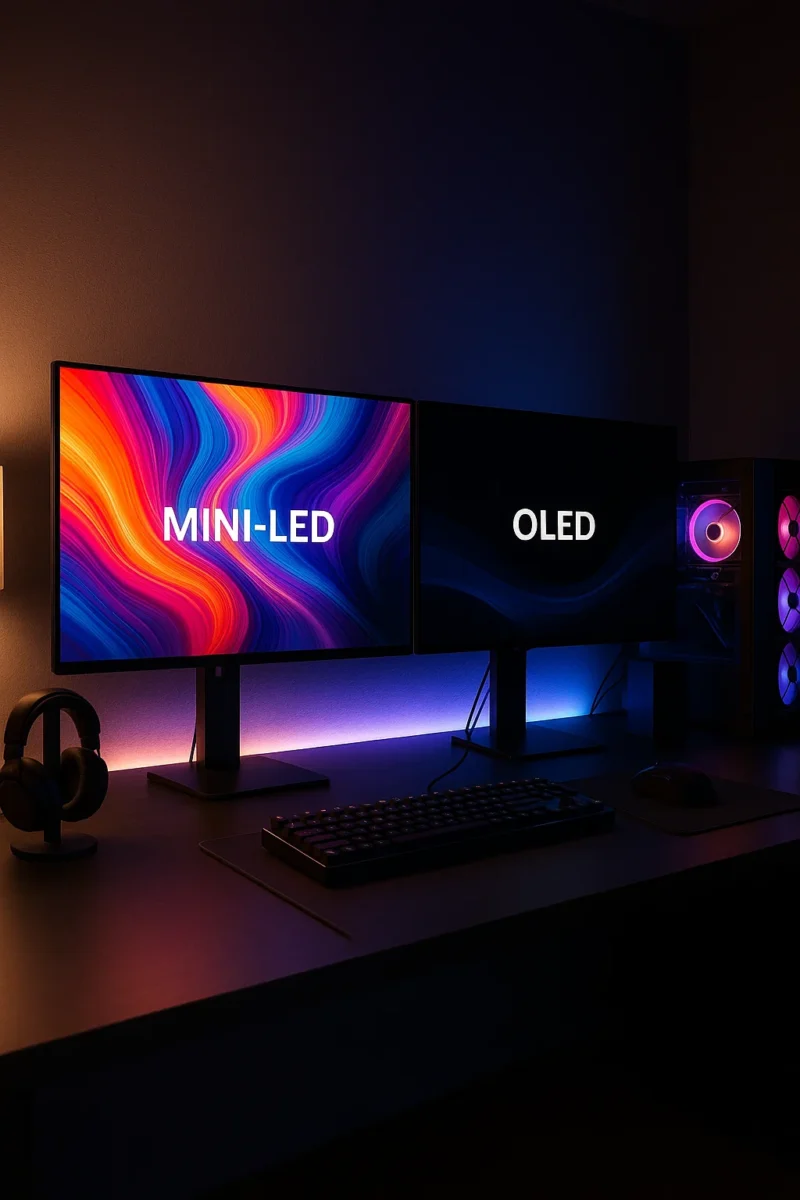
Mini-LED vs OLED: Which Is Better for Gaming and Movies?
← Back to Best Gaming Monitors Monitor guides: Best panel type · Refresh rate · Resolution · Size & distance Mini-LED vs OLED: Which Is Better for Gaming and Movies? If you’re trying to decide between mini led vs oled, it really comes down to how you use your screen. One is a super-charged LCD […]
Best Panel Type for Gaming: IPS vs VA vs OLED (2025 Guide)
← Back to Best Gaming Monitors Best Panel Type for Gaming: IPS vs VA vs OLED (2025 Guide) Everywhere you look, people say OLED is the best panel type for gaming. In a darker room with cinematic games, that’s usually true. But it isn’t automatically the right choice for every setup, budget, or play style […]
VA vs OLED: Which Panel Type Is Better for Gaming?
← Back to Best Gaming Monitors Monitor guides: Best panel type · Refresh rate · Resolution · Size & distance VA vs OLED: Which Panel Type Is Better for Gaming? Trying to pick between a high-contrast VA gaming monitor and a stunning OLED screen? This VA vs OLED guide breaks down black levels, HDR, motion, […]
IPS vs OLED: Which Monitor Panel Is Better for Gaming?
← Back to Best Gaming Monitors Monitor guides: Best panel type · Refresh rate · Resolution · Size & distance IPS vs OLED: Which Monitor Panel Is Better for Gaming? Can’t decide on IPS vs OLED for gaming — a bright, fast IPS gaming monitor or a gorgeous OLED screen? Here’s how they really compare […]
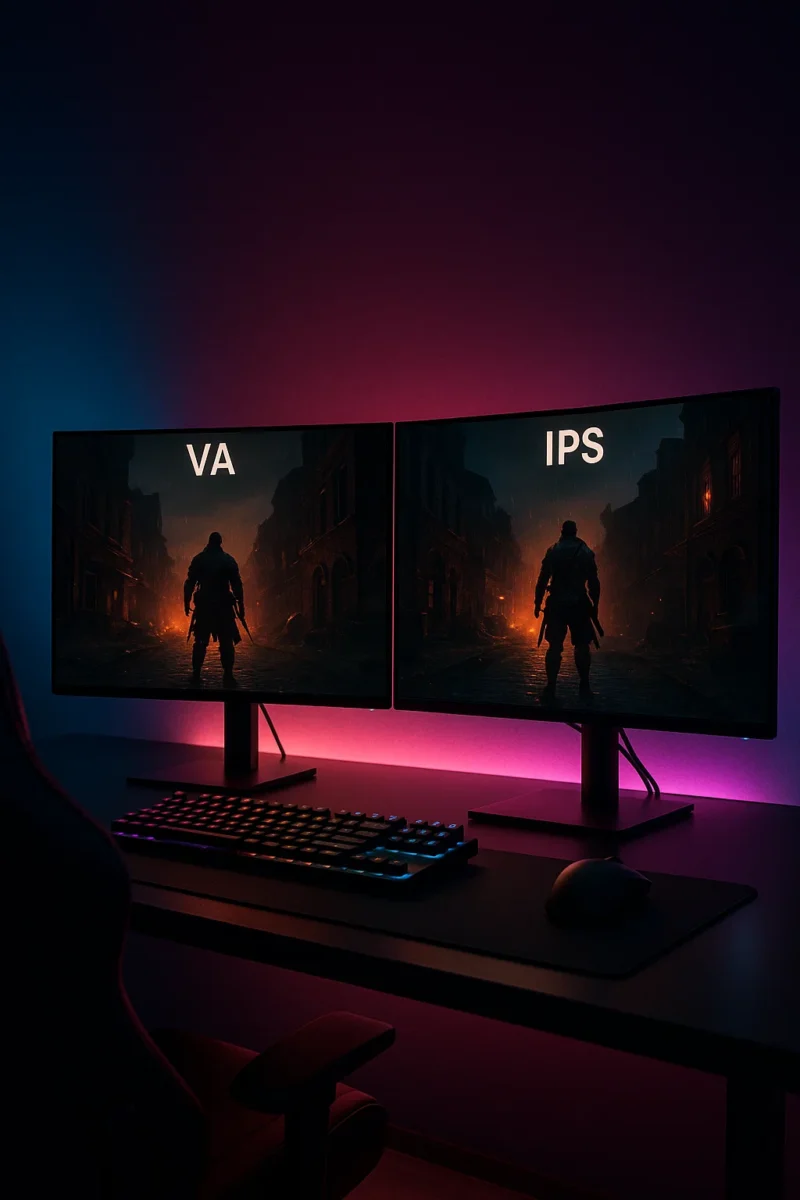
VA vs IPS: Which Monitor Panel Is Better for Gaming?
← Back to Best Gaming Monitors Monitor guides: Best panel type · Refresh rate · Resolution · Size & distance VA vs IPS: Which Monitor Panel Is Better for Gaming? Trying to decide between a VA vs IPS gaming monitor? Both panel types can look great, but they have very different strengths. This guide breaks […]
OLED vs QLED for Gaming & TV: Which Is Better?
← Back to Best Gaming Monitors Monitor guides: Best panel type · Refresh rate · Resolution · Size & distance OLED vs QLED for Gaming & TV: Which Is Better? Trying to decide between an OLED or QLED screen for your next gaming monitor or TV? This guide breaks down the real differences in plain […]
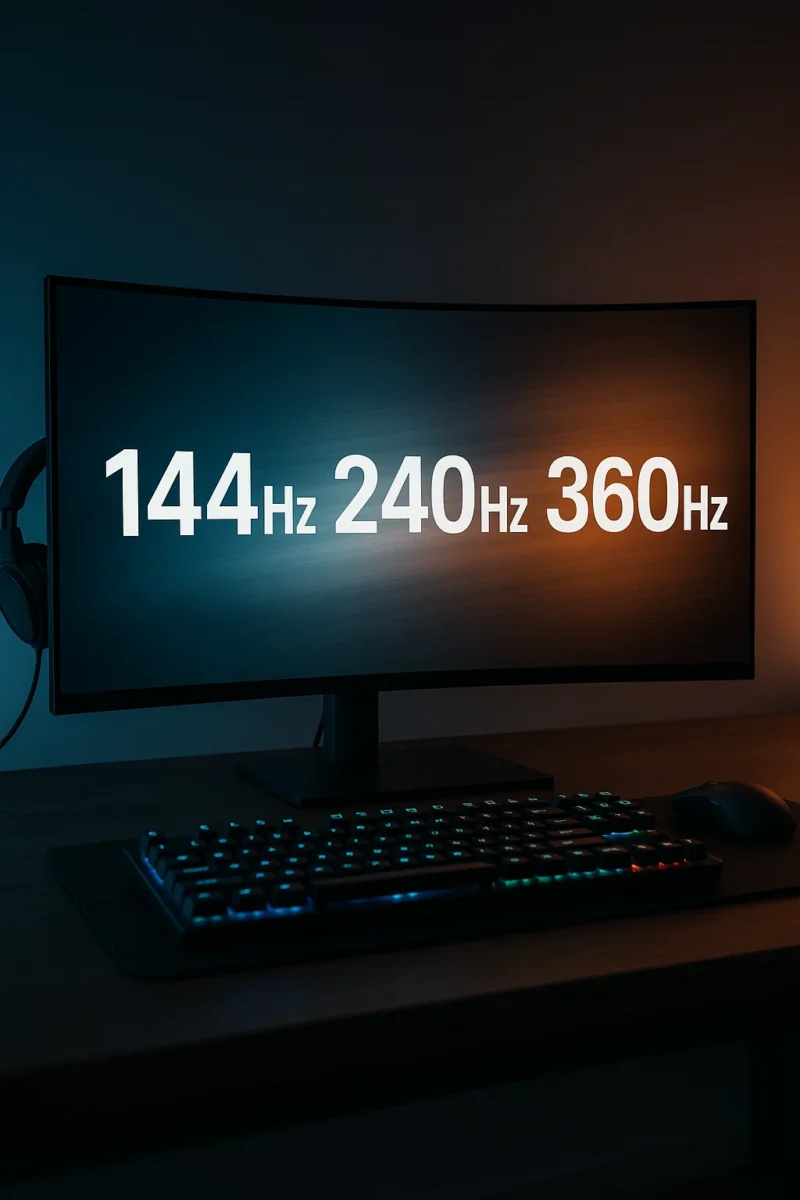
Best Refresh Rate for Gaming (144Hz vs 240Hz vs 360Hz Explained)
← Back to Best Gaming Monitors Best Refresh Rate for Gaming: 144Hz vs 240Hz vs 360Hz Image © Free Gaming Lounge — Stylized high-refresh gaming setup used to illustrate differences between refresh rates. If you’re trying to figure out the best refresh rate for gaming, you’ve probably seen “144Hz,” “240Hz,” and even “360Hz” slapped all […]

Best Gaming Monitors for PC and Console | OLED, 1440p & 4K Picks
← Back to Gaming Accessories Hub Best Gaming Monitors for PC and Console (2025–2026) Last updated: November 28, 2025 Looking for the best gaming monitors for PC and console that actually feel like an upgrade in 2025–2026? This guide focuses on proven 4K OLED flagships, 1440p sweet-spot picks, and genuinely good budget options that balance […]
What Size Monitor Is Best for Gaming? Best Monitor Size by Distance & Resolution
← Back to Best Gaming Monitors Image © Free Gaming Lounge — used for editorial coverage What Size Monitor Is Best for Gaming? Best Monitor Size by Distance and Resolution Last updated: November 26, 2025 Picking the best monitor size for gaming feels simple until you actually try to buy one. Reddit says one thing, […]
1080p vs 1440p vs 4K for Gaming: Which Resolution Is Best for Your Setup?
← Back to Best Gaming Monitors Image © Free Gaming Lounge — used for editorial coverage 1080p vs 1440p vs 4K for Gaming: Which Resolution Is Best for Your Setup? Stuck choosing between 1080p vs 1440p vs 4K for gaming? You’re not alone. Resolution is one of the first big decisions after budget, and it […]