← Back to Best Gaming Monitors
Best Panel Type for Gaming: IPS vs VA vs OLED (2025 Guide)
Everywhere you look, people say OLED is the best panel type for gaming. In a darker room with cinematic games, that’s usually true. But it isn’t automatically the right choice for every setup, budget, or play style — and strong IPS, VA, and Mini-LED monitors are better fits for a lot of players. This guide explains IPS, VA, OLED, TN, and Mini-LED/QLED in plain language so you can pick what actually fits your desk and your wallet.
Quick Answer: What’s the Best Panel Type for Gaming?
If you care most about how games look and you can afford it, then yes — OLED is the best panel type for gaming in a dark or controlled room. You get the best contrast, the cleanest motion, and the strongest HDR.
- Best image quality and “wow” factor: OLED – unbeatable contrast and motion if you respect burn-in tips, play a lot of single-player and HDR games, and don’t need max brightness in direct sunlight.
- Best overall for most people: IPS – fast, colorful, bright enough for most rooms, and easy to live with for gaming, work, and general use on one screen.
- Best value for dark-room story games: VA – deeper blacks than IPS and strong contrast without OLED pricing, as long as you’re okay with some potential dark smearing in fast titles.
- Best high-end choice for bright rooms: Mini-LED – much brighter than OLED, strong HDR, and no burn-in anxiety if you use the screen all day.
The rest of this guide walks through each panel type, explains why OLED gets so much hype, and helps you decide which monitor panel type is best for gaming in your specific setup. If you’re torn between OLED and Mini-LED, you can also jump straight to Mini-LED vs OLED for Gaming for a deeper 1v1 breakdown.
Panel Types at a Glance
| Panel type | Best for | Main pros | Main cons |
|---|---|---|---|
| IPS | Competitive gaming, mixed use | Fast response on good models, accurate color, wide viewing angles | Lower contrast than VA/OLED, visible IPS glow in dark rooms |
| VA | Dark-room gaming, movies, high-contrast games | Higher contrast, deeper blacks, often cheaper than IPS/OLED | Many budget panels have slower response times and dark smearing |
| OLED | Premium single-player, HDR, high-end setups | Perfect blacks, near-instant response, incredible HDR | Burn-in risk over time, lower full-screen brightness, higher prices |
| TN | Strict budget or niche esports builds | Very low response times, often inexpensive | Weak color and viewing angles compared with IPS/VA/OLED |
| Mini-LED / QLED | Bright rooms, HDR movies and games | Much brighter than OLED, better HDR than basic IPS/VA | Still LCD underneath, can show blooming, tends to cost more |
Why Everyone Says OLED Is the Best Panel Type for Gaming
OLED really does deserve the hype in the right scenario. When reviewers put an OLED next to a typical IPS or VA:
- Blacks are truly black, not dark gray, so dark scenes and space shots look amazing.
- Pixel response is nearly instant, so motion stays ultra clean in high frame-rate games.
- HDR “pops” harder in games that support it, with bright highlights on deep black backgrounds.
On a YouTube comparison wall in a dim room, it’s obvious: OLED just looks better. That’s why so many content creators call it “the best” panel type for gaming.
The catch is that those tests usually assume you:
- Play a lot of cinematic or HDR games, not just lighter esports or indie titles.
- Game in a darker room where contrast really stands out.
- Are fine paying more and using basic burn-in prevention (screen savers, dark themes, taskbar hiding).
If that sounds like you, OLED probably is the best panel type for gaming in your case. If you play in a bright room, keep your desktop up all day, or want better value, a strong IPS, VA, or Mini-LED panel can still be the smarter move.
What Does Panel Type Change in Real Gaming?
When you compare gaming monitors with the same resolution and refresh rate, the panel type is what makes them feel different. IPS, VA, TN, and OLED all control light in their own way, which affects:
- How deep blacks look in dark scenes
- How bright the image gets in a sunny room
- How clean motion looks at high frame rates
- How accurate and punchy colors appear
- How forgiving the screen is when you sit off to the side
Once you’ve decided on size, resolution, and refresh rate, panel type is the last big choice between a good monitor and the best monitor type for gaming in your setup. If you want a deeper technical breakdown of how LCD and OLED panels work physically, DisplayNinja has a clean explanation.
IPS Panels: Easiest All-Round Panel Type for Gaming
IPS (In-Plane Switching) is the safest “default” choice. Modern IPS gaming monitors hit 144Hz, 240Hz, and higher while keeping strong color accuracy and solid viewing angles. For most mixed-use setups, a good IPS model is the easiest way to get a fast, sharp, flexible screen.
Why IPS Works So Well for Games
- Fast pixel response on the better panels, so motion stays clear in shooters and racers.
- Reliable color for games, streams, and light content work.
- Wide viewing angles, which helps if you share the screen or sit off-center.
- No burn-in anxiety, unlike OLED when you leave static UI on screen all day.
Where IPS Falls Short
- Lower contrast than VA or OLED, so blacks look more dark gray in a dim room.
- IPS glow – a light haze in the corners on very dark scenes, especially on cheaper panels.
If you split time between competitive games, casual titles, browsing, and work, IPS is usually the best panel type for gaming overall for people who don’t want to babysit their screen. For a closer look at its trade-offs against VA, check the full VA vs IPS for Gaming guide.
VA Panels: High-Contrast Panel Type for Dark-Room Gaming
VA (Vertical Alignment) panels push liquid crystals into a more light-blocking position, which is why they typically offer much higher contrast than IPS. That gives you noticeably deeper blacks and more “pop” in dark scenes.
What VA Does Well
- Significantly deeper blacks than most IPS monitors at the same price.
- Higher contrast that makes single-player games and movies feel more cinematic.
- Strong value, especially on curved ultrawides that would be pricey as OLED.
Common VA Drawbacks
- Many budget VA gaming monitors have slower response times, which can cause dark smearing behind moving objects in fast games.
- Narrower viewing angles than IPS, more noticeable on very wide screens.
If you mostly play story games, RPGs, or slower titles in a darker room and don’t want to pay for OLED, a good VA panel can feel surprisingly close on contrast. Before you commit, it’s worth reading VA vs OLED for Gaming so you know exactly what you’re trading.
OLED Panels: Best-Looking Panel Type for Gaming (With Caveats)
OLED works differently from LCD. Each pixel creates its own light, so when something on screen is black, that pixel simply turns off. That’s why OLED is famous for perfect blacks and “infinite” contrast — and why so many reviewers say it’s the best panel type for gaming.
Why Gamers Love OLED
- Perfect blacks and no glow – dark scenes look truly dark instead of washed out.
- Near-instant response times, which delivers extremely clean motion at high frame rates.
- Excellent HDR in supported games, especially when there are bright highlights on dark backgrounds.
Why OLED Still Isn’t for Everyone
- Burn-in is possible if you leave static HUD elements or desktop windows up for many hours a day. Modern panels have protections, but you still need basic habits like screen savers and hiding taskbars.
- Lower full-screen brightness than the brightest Mini-LED or QLED LCDs, which matters in very bright rooms.
- Higher up-front cost than comparable IPS or VA gaming monitors.
Why Everyone Says OLED Is “the Best” (and When It Isn’t)
A lot of reviewers test monitors in dark rooms, play cinematic single-player games, and compare screens side by side. In that environment, OLED really does look clearly better than IPS or VA — blacks are perfect, HDR pops, and motion looks insanely clean. That’s why you keep hearing that OLED is the best panel type for gaming.
But that doesn’t automatically make it the best choice for every setup. If you play in a bright room, need one monitor for work and gaming all day, or want the best value for money, a strong IPS, VA, or Mini-LED panel can be the smarter move. For deeper matchups, see IPS vs OLED for Gaming, VA vs OLED for Gaming, and Mini-LED vs OLED for Gaming.
TN Panels: Older Panel Type for Niche Esports Setups
TN (Twisted Nematic) panels were the go-to for early high-refresh-rate gaming monitors, but fast IPS and VA have taken over most of that territory. TN still exists, mostly in older or budget models.
- Pros: very low response times on the right models, often cheaper on sale or clearance.
- Cons: washed-out color, very narrow viewing angles, and a noticeably flat image next to IPS, VA, or OLED.
Unless you’re building a strict budget rig and only care about competitive shooters, TN is rarely the best monitor type for gaming anymore. Most players will be much happier with a decent IPS panel.
Mini-LED and QLED: Bright, HDR-Focused LCD Options
Mini-LED and QLED aren’t new panel types — they’re upgraded LCD backlighting systems designed to compete with OLED in HDR and contrast. The benefit is simple: lots of dimming zones create stronger highlights and deeper blacks without the burn-in concerns of OLED, and with much higher full-screen brightness for daytime gaming.
When Mini-LED Is the Better Move Than OLED
- You play in a bright room and want the screen to stay punchy even with lots of daylight or overhead lights.
- You use the monitor all day for work and gaming, with static UI on screen for hours at a time.
- You want strong HDR without jumping all the way to premium OLED prices.
Where Mini-LED Is Still Worse Than OLED
- Blooming and halos around bright objects on dark backgrounds, since dimming happens in zones instead of per pixel.
- Worse viewing angles compared with OLED (and generally compared with good IPS panels).
- Motion that isn’t quite as clean as OLED’s near-instant pixel response, even on fast Mini-LED panels.
If you game mostly during the day, keep your desktop visible for long sessions, or want a do-everything monitor without burn-in anxiety, Mini-LED can be the smartest high-end pick. If you game mostly at night and want the most cinematic visuals possible, OLED still looks better when its strengths line up with your setup. For the full head-to-head, read Mini-LED vs OLED for Gaming.
Which Panel Type Is Best for Your Setup (and the Best Panel Type for Gaming Overall)?
Choosing the best panel type for gaming isn’t just “buy OLED and call it a day.” OLED is the peak for image quality if it fits your budget and room, but IPS, VA, and Mini-LED can still be better choices depending on how you play, how bright your space is, and how long your desktop sits on screen. Use these quick rules as a checklist:
Best Panel Type for Gaming in Competitive FPS
- Pick: IPS with 144Hz–240Hz (or higher) and good response-time reviews.
- Avoid: budget VA panels known for dark smearing, and older TNs with poor color.
- Why: motion clarity, consistency, and low input lag matter more than deepest blacks.
Best Panel Type for Single-Player and RPG Gaming
- Pick: OLED if your budget and desk can handle it and you mainly play in a dim room.
- Backup: VA if you want high contrast without paying OLED prices.
- Why: dark scenes, glowing spells, and HDR all look much better with strong contrast.
Best Panel Type for a One-Monitor Work + Gaming Setup
- Pick: IPS as the safest all-round panel type.
- Why: you get good motion, good color, and forgiving viewing angles in a single screen, with no burn-in anxiety.
Best Panel Type for Bright Rooms and Daytime Play
- Pick: Bright IPS, VA, or Mini-LED/QLED with strong SDR brightness.
- Why: those panels fight glare better than OLED when sunlight hits your screen.
Once you know which panel type fits you, the next steps are refresh rate, resolution, and size. Use these guides to finish dialing in your monitor: best refresh rate for gaming, 1080p vs 1440p vs 4K gaming, and what size monitor is best for gaming.
After that, head over to Best Gaming Monitors for PC and Console for specific models and price tiers that fit your build.
FAQ: Best Monitor Panel Type for Gaming
Is IPS or VA better for gaming?
For most players, IPS is better overall because it offers fast response times, strong color, and wide viewing angles with fewer surprises. VA can look better in a dark room thanks to higher contrast, but slower VA panels may show smearing in fast shooters or racing games.
Is OLED worth it just for gaming?
If you enjoy single-player games, HDR titles, or just want the best-looking image you can get in a darker room, OLED is absolutely worth considering. You pay more and need to respect burn-in guidelines, but the contrast and motion are on another level compared with IPS and VA.
Does panel type change input lag?
Not directly. Input lag mostly comes from the monitor’s processing and settings. A good IPS, VA, or OLED gaming monitor running in a low-lag game mode will all feel very responsive. Panel type changes how motion looks, not how fast your inputs reach the screen.
What’s the best monitor type for console gaming?
For PlayStation and Xbox, a quality IPS or OLED panel works best. IPS gives you a simple, flexible option for gaming and streaming in the same room. OLED is ideal if you want a more cinematic experience with deep blacks and great HDR in a darker space and don’t mind the extra care.
Mini-LED vs OLED: Which Is Better for Gaming and Movies?
← Back to Best Gaming Monitors Monitor guides: Best panel type · Refresh rate · Resolution · Size & distance Mini-LED vs OLED: Which Is Better for Gaming and Movies? If you’re trying to decide between mini led vs oled, it really comes down to how you use your screen. One is a super-charged LCD […]
Best Panel Type for Gaming: IPS vs VA vs OLED (2025 Guide)
← Back to Best Gaming Monitors Best Panel Type for Gaming: IPS vs VA vs OLED (2025 Guide) Everywhere you look, people say OLED is the best panel type for gaming. In a darker room with cinematic games, that’s usually true. But it isn’t automatically the right choice for every setup, budget, or play style […]
VA vs OLED: Which Panel Type Is Better for Gaming?
← Back to Best Gaming Monitors Monitor guides: Best panel type · Refresh rate · Resolution · Size & distance VA vs OLED: Which Panel Type Is Better for Gaming? Trying to pick between a high-contrast VA gaming monitor and a stunning OLED screen? This VA vs OLED guide breaks down black levels, HDR, motion, […]
IPS vs OLED: Which Monitor Panel Is Better for Gaming?
← Back to Best Gaming Monitors Monitor guides: Best panel type · Refresh rate · Resolution · Size & distance IPS vs OLED: Which Monitor Panel Is Better for Gaming? Can’t decide on IPS vs OLED for gaming — a bright, fast IPS gaming monitor or a gorgeous OLED screen? Here’s how they really compare […]
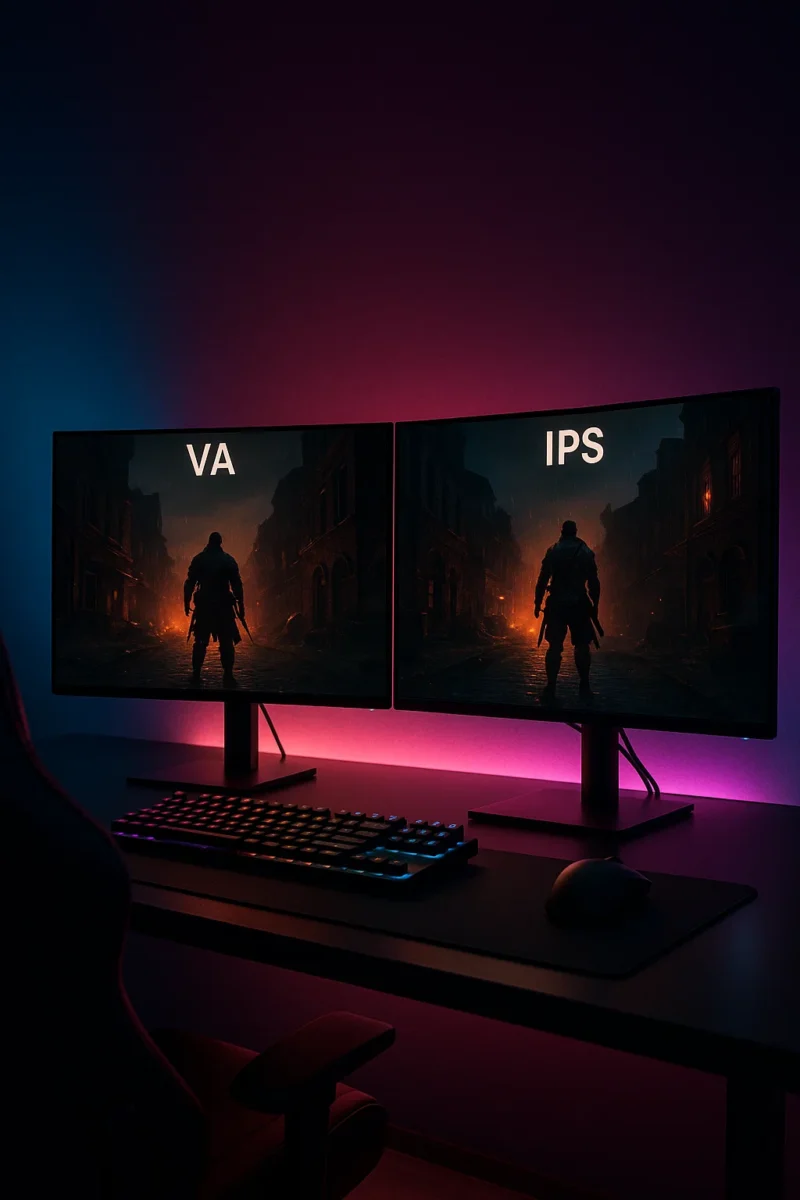
VA vs IPS: Which Monitor Panel Is Better for Gaming?
← Back to Best Gaming Monitors Monitor guides: Best panel type · Refresh rate · Resolution · Size & distance VA vs IPS: Which Monitor Panel Is Better for Gaming? Trying to decide between a VA vs IPS gaming monitor? Both panel types can look great, but they have very different strengths. This guide breaks […]
OLED vs QLED for Gaming & TV: Which Is Better?
← Back to Best Gaming Monitors Monitor guides: Best panel type · Refresh rate · Resolution · Size & distance OLED vs QLED for Gaming & TV: Which Is Better? Trying to decide between an OLED or QLED screen for your next gaming monitor or TV? This guide breaks down the real differences in plain […]
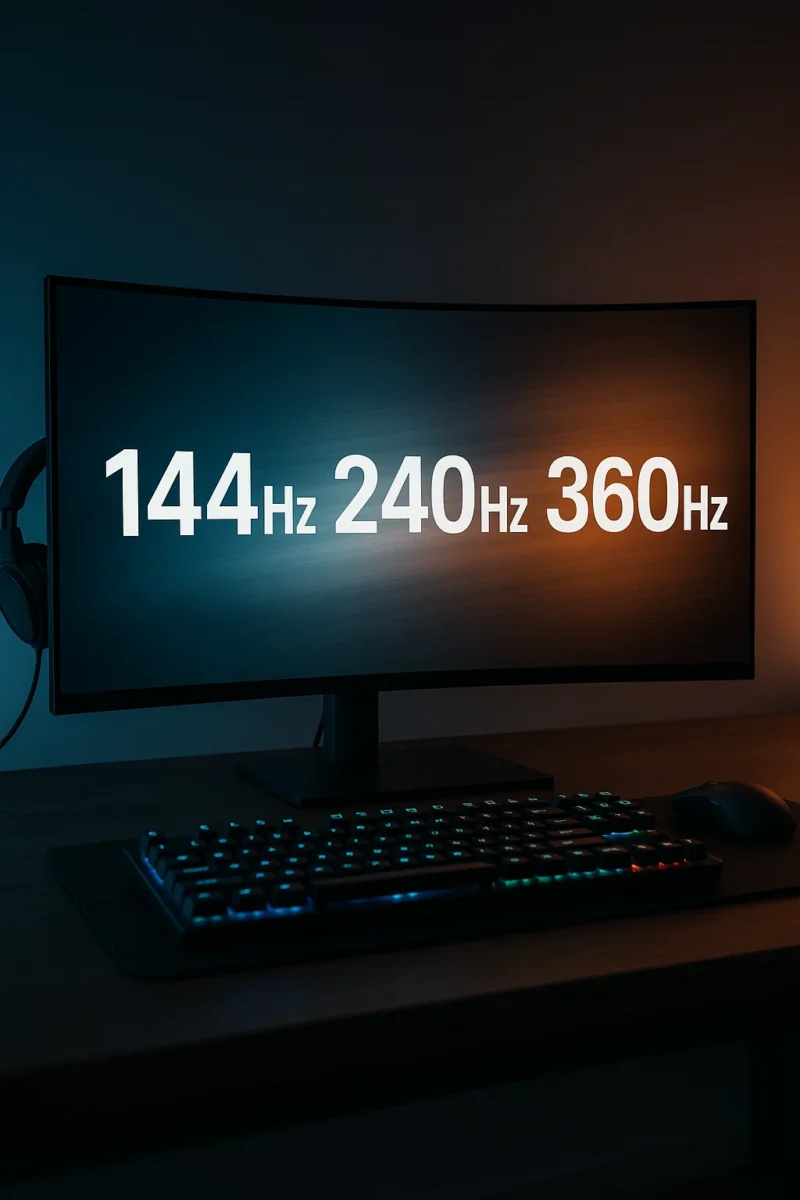
Best Refresh Rate for Gaming (144Hz vs 240Hz vs 360Hz Explained)
← Back to Best Gaming Monitors Best Refresh Rate for Gaming: 144Hz vs 240Hz vs 360Hz Image © Free Gaming Lounge — Stylized high-refresh gaming setup used to illustrate differences between refresh rates. If you’re trying to figure out the best refresh rate for gaming, you’ve probably seen “144Hz,” “240Hz,” and even “360Hz” slapped all […]

Best Gaming Monitors for PC and Console | OLED, 1440p & 4K Picks
← Back to Gaming Accessories Hub Best Gaming Monitors for PC and Console (2025–2026) Last updated: November 28, 2025 Looking for the best gaming monitors for PC and console that actually feel like an upgrade in 2025–2026? This guide focuses on proven 4K OLED flagships, 1440p sweet-spot picks, and genuinely good budget options that balance […]
What Size Monitor Is Best for Gaming? Best Monitor Size by Distance & Resolution
← Back to Best Gaming Monitors Image © Free Gaming Lounge — used for editorial coverage What Size Monitor Is Best for Gaming? Best Monitor Size by Distance and Resolution Last updated: November 26, 2025 Picking the best monitor size for gaming feels simple until you actually try to buy one. Reddit says one thing, […]
1080p vs 1440p vs 4K for Gaming: Which Resolution Is Best for Your Setup?
← Back to Best Gaming Monitors Image © Free Gaming Lounge — used for editorial coverage 1080p vs 1440p vs 4K for Gaming: Which Resolution Is Best for Your Setup? Stuck choosing between 1080p vs 1440p vs 4K for gaming? You’re not alone. Resolution is one of the first big decisions after budget, and it […]