← Back to Best Gaming Monitors
Mini-LED vs OLED: Which Is Better for Gaming and Movies?
If you’re trying to decide between mini led vs oled, it really comes down to how you use your screen. One is a super-charged LCD with a powerful backlight, the other lights up each pixel individually. The right choice depends less on hype and more on your room, habits, and games. If you’re still weighing IPS, VA, and OLED overall, you can also zoom out with our best panel type for gaming guide.
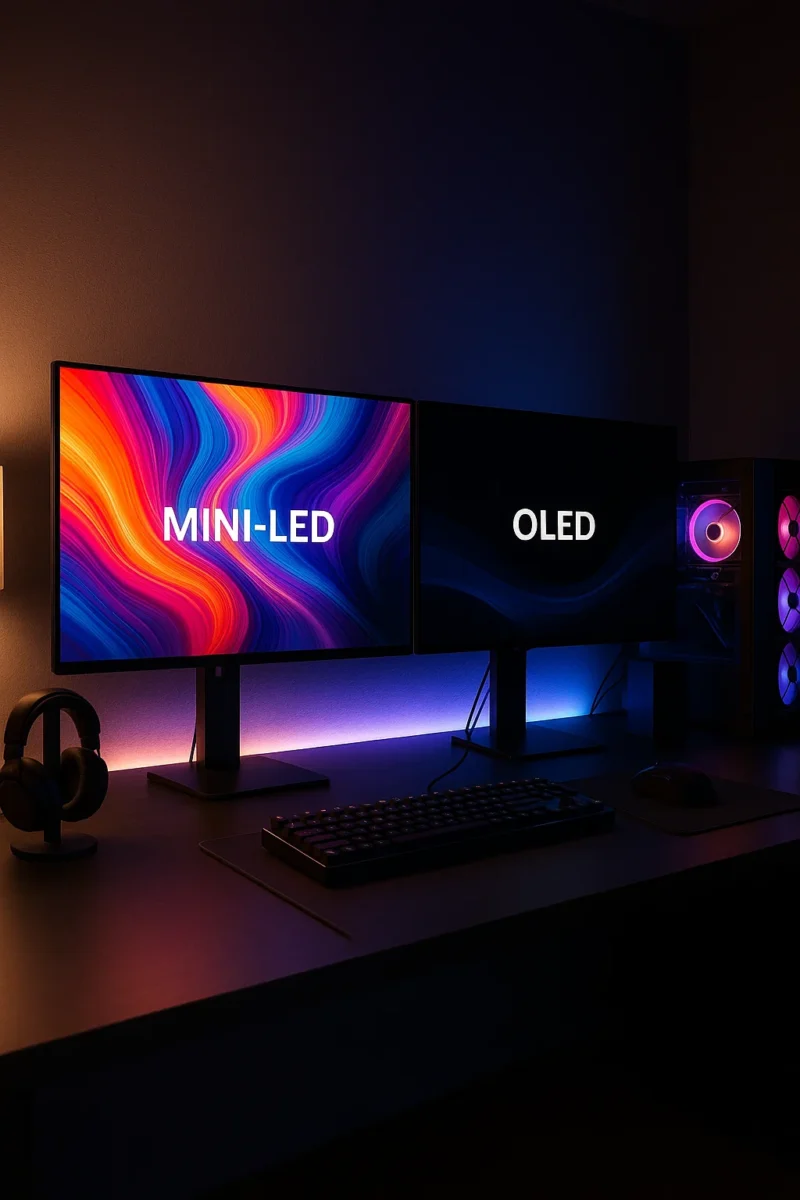
Mini-LED vs OLED: Quick Comparison
| Feature | Mini-LED | OLED |
|---|---|---|
| Panel type | Advanced LCD with thousands of tiny backlight zones | Self-emissive pixels (no backlight) |
| Black levels & contrast | Very good, but can show halos/blooming | True blacks and “infinite” contrast |
| Peak brightness | Usually higher full-screen brightness, great for bright rooms | Lower full-screen brightness, but strong HDR highlights on newer panels |
| Motion & response time | Fast, but still an LCD (some blur) | Extremely fast pixel response, super clean motion |
| Burn-in risk | No burn-in (LCD) | Small but real burn-in risk with long-term static HUDs |
| Best for | Bright rooms, mixed use, sports, long PC sessions | Cinematic gaming, dark-room movies, HDR showpieces |
If you mainly play cinematic single-player games in a darker room, OLED still gives the best overall image. If you’re in a bright living room, leave the TV on all day, or worry about burn-in on a desktop, a good mini-LED can be the smarter long-term choice. If you haven’t chosen between IPS, VA, and OLED more broadly yet, start with best panel type for gaming and then come back to this matchup.
What Is Mini-LED?
Mini-LED is still an LCD at its core. The big upgrade is the backlight. Instead of a handful of large LEDs around the edges, mini-LED packs in hundreds to thousands of tiny LEDs divided into local dimming zones behind the panel.
Each zone can dim or brighten independently. That means:
- Much deeper blacks than a regular LCD in dark scenes
- Higher overall brightness for HDR highlights and daytime viewing
- Less “gray haze” in dark menus and loading screens
Brands market it under different names (Samsung Neo QLED, LG QNED, Hisense ULED X, and so on), but the idea is the same: strong brightness with better contrast while avoiding the burn-in risk of OLED. If you’d rather skip the tech and just see actual models, jump over to our best gaming monitors for PC and console picks.
What Is OLED?
OLED (organic light-emitting diode) panels don’t use a backlight at all. Each pixel makes its own light and can turn completely off. That gives you:
- Perfect blacks and “infinite” contrast
- No blooming or halos around bright objects on dark backgrounds
- Excellent viewing angles with very little color shift
- Near-instant pixel response times for super clean motion
The tradeoffs: full-screen brightness is limited compared to the brightest mini-LED sets, and there’s a non-zero risk of burn-in if you run the same static HUD or desktop layout for very long periods over months and years.
Picture Quality: Contrast, Brightness, and HDR
Black levels and blooming
OLED wins black levels easily. Because pixels shut off individually, black letterbox bars and dark caves look truly black, not dark gray. Starfields, horror games, and space scenes look incredible.
Mini-LED’s local dimming gets close, but not perfect. You can still see some blooming around bright UI elements or subtitles on a dark background, especially on cheaper or poorly tuned models.
Brightness and glare handling
This is where mini-LED often takes the lead. Many of the very brightest TVs and monitors are mini-LED, especially for full-screen and sustained brightness in bright rooms. The newest OLEDs are much brighter than older generations and can match some mini-LED sets in small HDR highlights, but mini-LED still has the advantage when you’re fighting a lot of sunlight or strong room lighting.
If you mostly play in the evening with the lights turned down, even a mid-range OLED can look more impressive because those perfect blacks make colors and highlights pop without needing blinding brightness.
Color and HDR pop
Both technologies can deliver excellent color. High-end mini-LED models often use quantum dots for wide color gamuts, while OLED’s true blacks make colors look richer even at the same measured brightness. If you want to dig into how OLED pixels actually emit light, the OLED article on Wikipedia has a solid technical overview without getting into product reviews.
Gaming Performance: Response Time, Input Lag, and Features
For gaming, you care about three main things: response time, input lag, and gaming features like VRR and 120–240Hz refresh rates.
Response time and motion clarity
OLED is the cleanest you can get. Pixel response is so fast that motion blur mostly comes from your eyes and the game engine, not the panel.
Mini-LED monitors and TVs can still be very good, especially fast VA or IPS panels, but you may see more smearing in dark transitions or overdrive artifacts if the tuning isn’t great. If you’re comparing panel families more broadly, VA vs OLED and IPS vs OLED go deeper into motion and black-level trade-offs.
Input lag
On modern gaming TVs and monitors, input lag is low on both as long as you enable Game Mode. We’re talking single-digit to low-teens milliseconds—fine for most competitive players on console.
If you care about high-refresh competitive PC play, also check out our guides on best refresh rate for gaming and 1080p vs 1440p vs 4K gaming.
Gaming features
Most higher-end mini-LED and OLED models aimed at gamers now support:
- HDMI 2.1 with 4K 120Hz (or higher on monitors)
- VRR (G-SYNC Compatible / FreeSync / HDMI VRR)
- Auto Low Latency Mode
Don’t assume every model has all of these—check the spec sheet before you buy, especially on cheaper mini-LED TVs where gaming features sometimes get cut.
Burn-In, Lifespan, and Static HUDs
Burn-in is the biggest psychological barrier with OLED. Static elements like health bars, minimaps, or channel logos can slowly leave a faint ghost image if you run the same content for very long stretches over months and years.
The good news:
- Modern OLEDs include pixel shifting, logo dimming, and refresh cycles to reduce risk
- Normal mixed use (games, movies, apps) is usually fine for years
- You can lower HUD opacity and enable screen savers on PC and consoles
If you run a PC desktop all day with static taskbars, spreadsheets, and news tickers, or leave a single game on for hours at a time with the exact same HUD, mini-LED is the safer long-term choice. It behaves like any other LCD: no burn-in, just the usual gradual backlight aging.
Mini-LED vs OLED for TVs vs Monitors
Living room TV
- Bright, sun-lit room, TV on for hours every day: Lean mini-LED. The extra brightness and lack of burn-in anxiety win here.
- Dim or dark room, you care about movies and cinematic single-player games: OLED looks better. Black levels and contrast are noticeably more “theater-like.”
If your budget allows it and you mainly watch at night, it’s hard to beat an OLED TV for overall picture quality.
Desk monitor
- Heavy desktop use, static apps, lots of productivity: Mini-LED is safer, especially on ultrawide and 32–34" monitors used as your main PC screen.
- You want the best image for solo gaming and don’t keep the same HUD on for 8 hours a day: An OLED gaming monitor is stunning and feels incredibly responsive.
Also think about resolution and size. Check out what size monitor is best for gaming if you’re trying to match viewing distance with panel size, and 1080p vs 1440p vs 4K gaming if you’re still debating sharpness vs performance.
Price and Value
Pricing moves around constantly, but a few patterns keep showing up:
- High-end mini-LED TVs often undercut flagship OLEDs at the same size
- Mid-range mini-LED can be an excellent value if you catch a sale
- Smaller OLED monitors and TVs have dropped in price, but big sizes are still premium
In a lot of sales, you’ll see a great mini-LED and a solid OLED around the same price. That’s when your room, usage, and burn-in tolerance matter more than pure spec sheets. When you’re ready to look at specific models, head over to our best gaming monitors for PC and console list.
When Mini-LED Is Better
- You game or watch TV in a very bright room
- The screen stays on for long periods every day
- You’re extremely risk-averse about burn-in
- You want a big screen but need to squeeze more value out of your budget
- You use the display as a primary PC monitor with static UI elements
When OLED Is Better
- You mainly play cinematic single-player games or watch movies in a dim room
- You care a lot about black levels, contrast, and that “wow” HDR look
- You want the cleanest possible motion and response
- You don’t leave the same static HUD or desktop on for 10+ hours daily
Mini-LED vs OLED: Which Should You Buy?
There’s no one right answer, but you can simplify it:
- If you’re building a cozy gaming/movie setup in a darker room and you’re okay managing burn-in risk a little, go OLED. The image quality bump is real and easy to see.
- If your screen lives in a bright living room, doubles as a PC monitor, or runs all day with static content, go mini-LED. You’ll get strong HDR and fewer long-term worries.
Once you’ve picked your panel type, the next steps are refresh rate, resolution, and size—things that matter just as much in day-to-day use. For that side of the decision, take a look at:
- Best refresh rate for gaming: 144Hz vs 240Hz vs 360Hz
- 1080p vs 1440p vs 4K gaming
- What size monitor is best for gaming?
Other monitor comparisons
Bottom line: OLED still delivers the best “wow” factor for serious gaming and movies, but mini-LED narrows the gap while staying brighter and more worry-free. Pick based on your room, habits, and how much you value that OLED look over long-term peace of mind—and when you’re ready for actual models, our best gaming monitors for PC and console roundup shows you the current standouts.
Mini-LED vs OLED: Which Is Better for Gaming and Movies?
← Back to Best Gaming Monitors Monitor guides: Best panel type · Refresh rate · Resolution · Size & distance Mini-LED vs OLED: Which Is Better for Gaming and Movies? If you’re trying to decide between mini led vs oled, it really comes down to how you use your screen. One is a super-charged LCD […]
Best Panel Type for Gaming: IPS vs VA vs OLED (2025 Guide)
← Back to Best Gaming Monitors Best Panel Type for Gaming: IPS vs VA vs OLED (2025 Guide) Everywhere you look, people say OLED is the best panel type for gaming. In a darker room with cinematic games, that’s usually true. But it isn’t automatically the right choice for every setup, budget, or play style […]
VA vs OLED: Which Panel Type Is Better for Gaming?
← Back to Best Gaming Monitors Monitor guides: Best panel type · Refresh rate · Resolution · Size & distance VA vs OLED: Which Panel Type Is Better for Gaming? Trying to pick between a high-contrast VA gaming monitor and a stunning OLED screen? This VA vs OLED guide breaks down black levels, HDR, motion, […]
IPS vs OLED: Which Monitor Panel Is Better for Gaming?
← Back to Best Gaming Monitors Monitor guides: Best panel type · Refresh rate · Resolution · Size & distance IPS vs OLED: Which Monitor Panel Is Better for Gaming? Can’t decide on IPS vs OLED for gaming — a bright, fast IPS gaming monitor or a gorgeous OLED screen? Here’s how they really compare […]
VA vs IPS: Which Monitor Panel Is Better for Gaming?
← Back to Best Gaming Monitors Monitor guides: Best panel type · Refresh rate · Resolution · Size & distance VA vs IPS: Which Monitor Panel Is Better for Gaming? Trying to decide between a VA vs IPS gaming monitor? Both panel types can look great, but they have very different strengths. This guide breaks […]
OLED vs QLED for Gaming & TV: Which Is Better?
← Back to Best Gaming Monitors Monitor guides: Best panel type · Refresh rate · Resolution · Size & distance OLED vs QLED for Gaming & TV: Which Is Better? Trying to decide between an OLED or QLED screen for your next gaming monitor or TV? This guide breaks down the real differences in plain […]
Best Refresh Rate for Gaming (144Hz vs 240Hz vs 360Hz Explained)
← Back to Best Gaming Monitors Best Refresh Rate for Gaming: 144Hz vs 240Hz vs 360Hz Image © Free Gaming Lounge — Stylized high-refresh gaming setup used to illustrate differences between refresh rates. If you’re trying to figure out the best refresh rate for gaming, you’ve probably seen “144Hz,” “240Hz,” and even “360Hz” slapped all […]

Best Gaming Monitors for PC and Console | OLED, 1440p & 4K Picks
← Back to Gaming Accessories Hub Best Gaming Monitors for PC and Console (2025–2026) Last updated: November 28, 2025 Looking for the best gaming monitors for PC and console that actually feel like an upgrade in 2025–2026? This guide focuses on proven 4K OLED flagships, 1440p sweet-spot picks, and genuinely good budget options that balance […]
What Size Monitor Is Best for Gaming? Best Monitor Size by Distance & Resolution
← Back to Best Gaming Monitors Image © Free Gaming Lounge — used for editorial coverage What Size Monitor Is Best for Gaming? Best Monitor Size by Distance and Resolution Last updated: November 26, 2025 Picking the best monitor size for gaming feels simple until you actually try to buy one. Reddit says one thing, […]
1080p vs 1440p vs 4K for Gaming: Which Resolution Is Best for Your Setup?
← Back to Best Gaming Monitors Image © Free Gaming Lounge — used for editorial coverage 1080p vs 1440p vs 4K for Gaming: Which Resolution Is Best for Your Setup? Stuck choosing between 1080p vs 1440p vs 4K for gaming? You’re not alone. Resolution is one of the first big decisions after budget, and it […]