
Best Gaming Desks for PC & Console Setups (Updated 2025)
← Back to Best Gaming Accessories Hub

Shopping for the best gaming desks doesn’t have to be guesswork. You need stability, real desktop depth, and clean cable routing. If you can add sit–stand, even better. If you’re still unsure whether you even need a “gaming” desk or a plain office model, our gaming desk vs regular desk guide breaks that decision down first.
We hand-picked desks that hold up for FPS flicks, streaming gear, and console-plus-PC hybrids. Whether you want a value corner setup or a premium motorized frame, start here. For room and layout planning by monitor count and room size, you can pair this list with what size gaming desk do I need?.
Last updated: 2025-11-14 — refreshed picks, improved sit–stand guidance, and expanded the buying guide for modern PC and console setups.
Quick Picks
- Best Overall: ApexDesk Elite Pro 60″ x 27″ Electric Standing Desk
- Best Budget: SEVEN WARRIOR 60″ T-Shaped Gaming Desk
- Best L-Shape / Corner: EUREKA ERGONOMIC L60 RGB Glass
Table of Contents
- Best Overall Gaming Desk — ApexDesk Elite Pro 60″
- Best Budget Gaming Desk — SEVEN WARRIOR 60″
- Best L-Shape Gaming Desk — EUREKA L60 RGB Glass
- Best Sit–Stand Gaming Desk (Premium) — Vari 60×30
- Best Full-Surface Mousepad Gaming Desk — Arozzi Arena
- Best Compact Gaming Desk with LED — EUREKA Z1-S
- Best Value L-Shaped Gaming Desk — Mr IRONSTONE
- Best Height-Adjustable Corner Gaming Desk — RESPAWN 3010
- Buying Guide: How to Choose the Best Gaming Desk
- FAQ
- Browse All on Amazon
Best Overall Gaming Desk
ApexDesk Elite Pro Series 60″ x 27″ Electric Standing Desk
The Elite Pro 60″ hits the sweet spot: quiet dual-motor lift, excellent stability at full height, and real depth for XL mousepads and ultrawides. Grommets keep routing clean, and four memory presets make swapping between seated “aim” and standing “build” painless. Note: the desktop is heavy—two-person assembly recommended.
Why we like it
- Dual-motor sit–stand with wobble-resistant frame
- 60″ × 27″ surface fits ultrawide monitors
- Grommets simplify tidy cable management
- Four height presets for instant swaps
Keep in mind
- Heavy top — plan a two-person build
Best Budget Gaming Desk
SEVEN WARRIOR 60″ T-Shaped Gaming Desk
For an affordable seated setup, this T-frame delivers real 60″ space, a full-desk mousepad, and handy add-ons like a hook and cup holder. Stability beats many flashy clones and assembly is straightforward. It’s fixed height—no standing mode—but the value is hard to beat.
Why we like it
- Wide 60″ surface handles dual displays
- Includes full-surface pad, headset hook, cup holder
- Simple frame = quick, easy build
- Great starter or secondary rig desk
Keep in mind
- Seated-only (no height adjustment)
Best L-Shape Gaming Desk (Corner)
EUREKA ERGONOMIC L60 RGB Glass L-Shaped Desk
The tempered-glass top with music-sync RGB turns a corner into a command center, and the reversible layout fits left or right rooms. It’s roomy for triple monitors and streaming gear, with straightforward cable-tray placement. As with any glass desk, use pads or a grommet mount for heavy arms.
Why we like it
- Reversible L maximizes corner layouts
- Tempered-glass top with programmable RGB effects
- Ideal for multi-monitor + console hybrids
- Clean cable zone keeps the glass aesthetic
Keep in mind
- Clamp mounts on glass need protective pads
Best Sit–Stand Gaming Desk (Premium)
Vari 60×30 Electric Standing Desk
Want office-grade stability without gamer bling? Vari’s 60×30 brings a rigid T-frame, quiet motors, and a deeper 30″ surface that’s perfect for speakers and big mouse arcs. It costs more than value picks, but the comfort and build quality justify it for long work-plus-play days. If you’re debating whether the extra spend for a standing frame makes sense at all, our dedicated look at standing desk for gaming worth it walks through pros, cons, and setup tips.
Why we like it
- Stable lift with 4 memory presets
- 30″ depth suits ultrawides and speakers
- Clean, living-room-friendly design
- Fast, low-tool assembly
Keep in mind
- Premium price tier
Best Full-Surface Mousepad Gaming Desk
Arozzi Arena 63″ Gaming Desk
A favorite for streamers and FPS fans: the full-desk, machine-washable mousepad turns the entire surface into a smooth tracking zone. Cable cutouts plus an under-desk net keep wiring hidden, and the curved front edge boosts forearm comfort. It’s fixed height and assembly takes patience.
Why we like it
- Entire surface doubles as a giant mousepad
- Curved front improves wrist comfort
- Cable cutouts + management net
- Lots of width for ultrawide or dual setups
Keep in mind
- No motorized height adjustment
Best Compact Gaming Desk with LED
EUREKA ERGONOMIC Z1-S Gaming Desk
A space-friendly Z-frame with RGB edge lighting and useful accessories (cup holder, headset hook). Perfect for bedrooms and dorms. It’s narrower than our 60″ picks, so plan around 24–27″ monitors or a single ultrawide.
Why we like it
- Stable steel Z-frame footprint
- Ambient RGB edge lighting
- Includes hook and cup holder
- Good pass-throughs for tidy builds
Keep in mind
- Compact width versus 60″ desks
Best Value L-Shaped Gaming Desk
Mr IRONSTONE L-Shaped Gaming Desk (51″ or 63″, with Riser)
A wallet-friendly way to add workspace without clutter. The included monitor riser helps posture and frees desk depth, while the X-frame legs stay sturdy with dual monitors and a tower. No motors or RGB—but that simplicity keeps costs and wobble down.
Why we like it
- L-shape maximizes corner rooms
- Full-width monitor riser included
- Stable metal frame for heavier rigs
- Easy to add an under-desk cable tray
Keep in mind
- Fixed height—pair with a supportive chair
Best Height-Adjustable Corner Gaming Desk
RESPAWN 3010 Adjustable L-Shaped Gaming Desk
A rare corner desk with pneumatic lift on the primary surface. If you want an L-shape with occasional standing, this is the flexible, affordable path. It isn’t motorized or preset-driven, but the quick manual lift is handy for creators who move gear around.
Buying Guide: How to Choose the Best Gaming Desk
1) Size & Depth (comfort first)
Depth matters more than width for mouse control. Target 28–30″ depth for FPS aim space and room for speakers. For small rooms, 24–27″ can work—pair with a monitor arm to recover depth. If you want step-by-step layouts based on room size and monitor count, see our dedicated guide what size gaming desk do I need?.
2) Stability (what actually stops wobble)
Look for thick-gauge steel legs, cross-members, and wide feet. Dual-motor frames with solid crossbars stay stable at standing height. Hollow plastics and thin single-post frames wobble fastest.
3) Cable Management (one clean wall lead)
Use desk grommets plus an under-desk tray with a mounted surge protector. Short 1–2 ft patch cables reduce slack. Route everything down the monitor arm for a single drop to the tray.
4) Sit–Stand (when to pay for motors)
If you game and work at the same desk, motorized lift with four memory presets is worth it: seated “aim,” standing “build/browse,” low “editing,” and high “stretch.” For a deeper look at how sit–stand actually feels in a gaming setup, check standing desk for gaming worth it before you commit your whole budget to motors.
5) Materials & Mounting
Thick MDF is fine for most arms. For glass or thin tops, use a grommet/through-desk mount or reinforcement plate to protect the surface and improve rigidity.
6) Shapes by Room
- Straight 60″: most flexible; fits bedrooms and offices.
- L-shape: maximizes corners and separates PC vs. console zones.
- Compact (47–55″): dorms and small bedrooms—prefer a monitor arm.
More on ergonomics: see NIOSH ergonomics basics and BIFMA workspace standards.
FAQ
Are standing desks good for gaming?
Yes. Alternating between sitting and standing reduces stiffness during long sessions. Save a seated “aim” height and a standing “build/browse” height on a motorized frame. For a full breakdown of pros, cons, and recommended sit–stand rhythm, see our in-depth article standing desk for gaming worth it.
What size desk is best for an ultrawide?
For 34–38″ ultrawides, target 60″ width and at least 28″ depth. A monitor arm frees space behind the keyboard and hides cables. If you want more examples by setup type, our guide what size gaming desk do I need? walks through single, dual, and ultrawide layouts.
How do I hide all the cables?
Use desk grommets, an under-desk tray with a mounted surge protector, short patch cords, and Velcro ties. Route everything down the monitor arm for one clean drop.
Will a glass desk hold a heavy monitor arm?
Use a grommet/through-desk mount or a reinforcement plate with protective pads. Avoid bare clamp pressure on glass.
What’s the best height range?
Ideally, seated elbows at ~90° and screen top at or slightly below eye level. Standing presets should keep wrists neutral—don’t raise the desk so high that shoulders elevate.
Related Guides
Best Gaming Chairs
Best Gaming Monitors
Gaming Desk vs Regular Desk
Browse All Gaming Desks on Amazon
See the full gaming desk catalog »
Bottom line: these are the best gaming desks for most players—stable frames, real depth, and cable management that keeps your setup clean.
Affiliate Disclosure: As an Amazon Associate, we may earn commissions from qualifying purchases at no extra cost to you.

Best Gaming Mouse for Small Hands (2025–2026)
← Back to Best Gaming Accessories Hub Image © Free Gaming Lounge — stylized concept illustration, not a specific mouse model Best Gaming Mouse for Small Hands (2025–2026) Last updated: December 5, 2025 If you’re trying to find the best gaming mouse for small hands, it can feel like every recommendation is secretly designed for […]
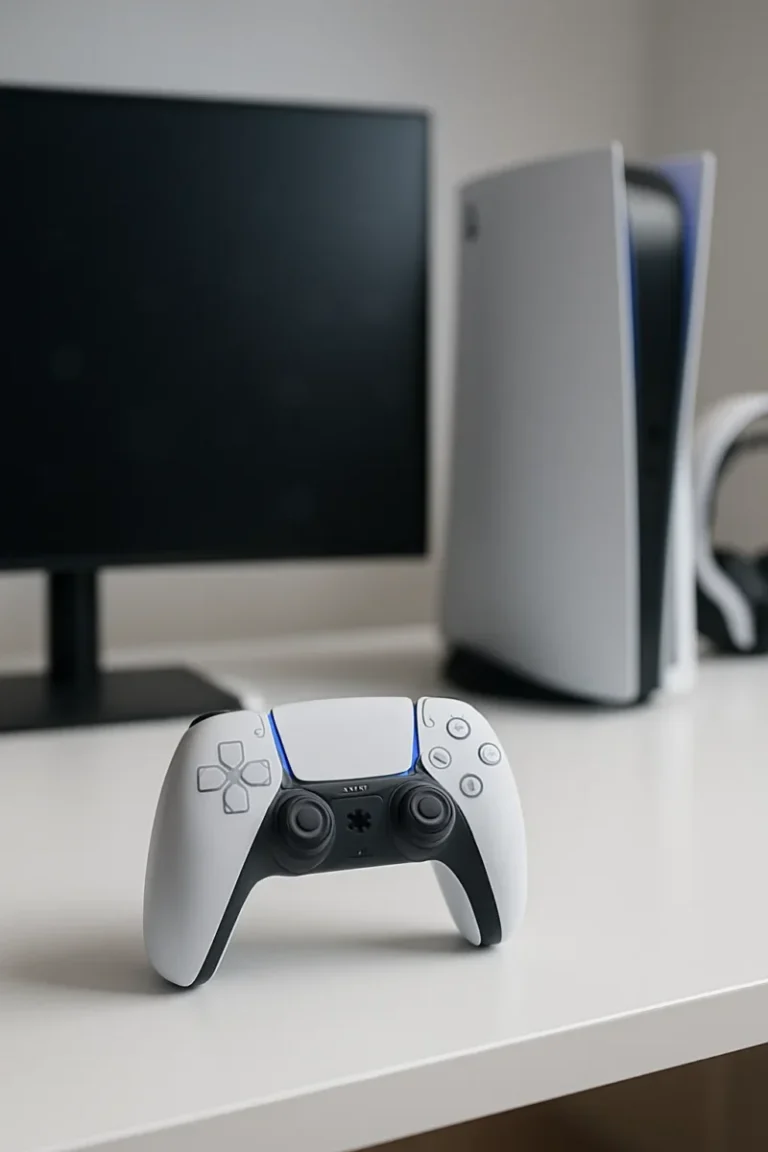
Best PS5 Controllers for 2025 (Competitive, Casual & Accessibility)
← Back to Best Gaming Accessories › Best Gaming Controllers (2025–2026) Best PS5 Controllers for 2025–2026 (Competitive, Casual & Accessibility) From the standard DualSense to high-end pro pads and accessibility options, these are the best PS5 controllers you can buy right now for PS5 and PS5 + PC. This guide is part of our Best […]

Best Gaming Monitors for PC and Console | OLED, 1440p & 4K Picks
← Back to Gaming Accessories Hub Best Gaming Monitors for PC and Console (2025–2026) Last updated: November 28, 2025 Looking for the best gaming monitors for PC and console that actually feel like an upgrade in 2025–2026? This guide focuses on proven 4K OLED flagships, 1440p sweet-spot picks, and genuinely good budget options that balance […]
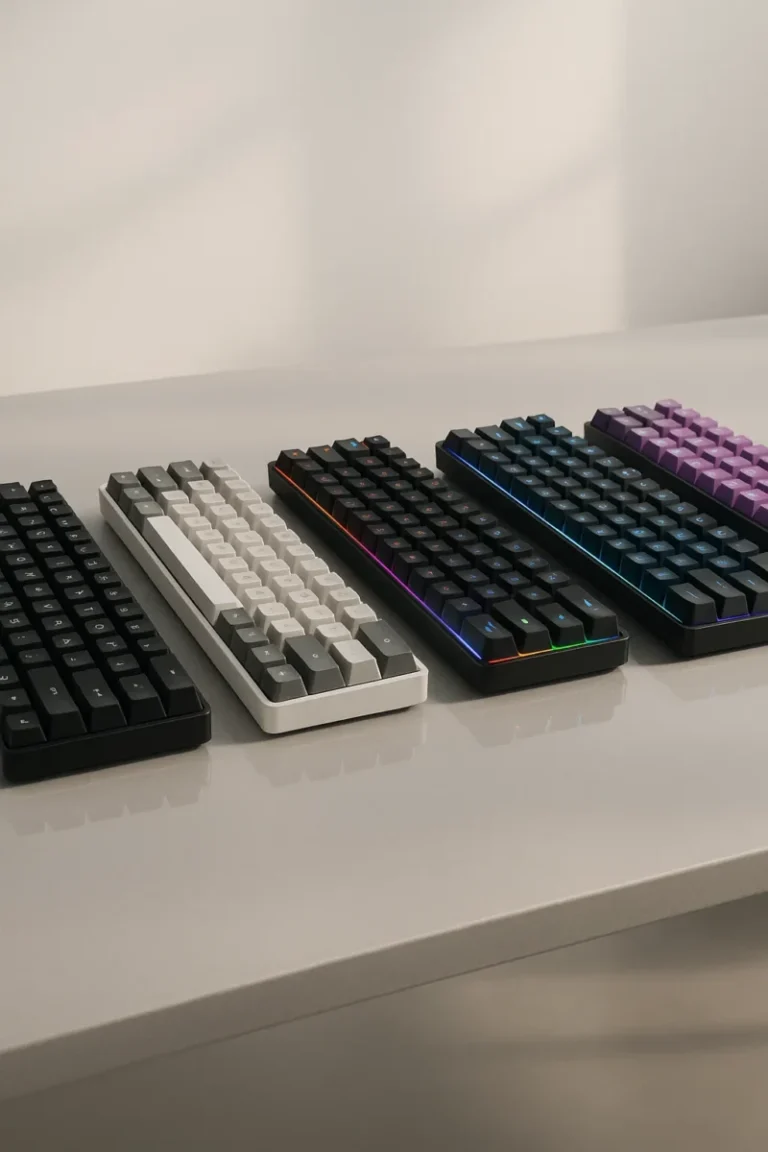
Best 65% Keyboards for Gaming (2025)
← Back to Gaming Accessories Hub Image © Free Gaming Lounge — editorial illustration Best 65% Keyboards for Gaming (2025) Hunting for the best 65% keyboards for gaming? This shortlist focuses on compact boards that combine modern fast-actuation tech (Hall-Effect or optical where it matters) with reliable low-latency paths, from wired 8K monsters to tri-mode […]
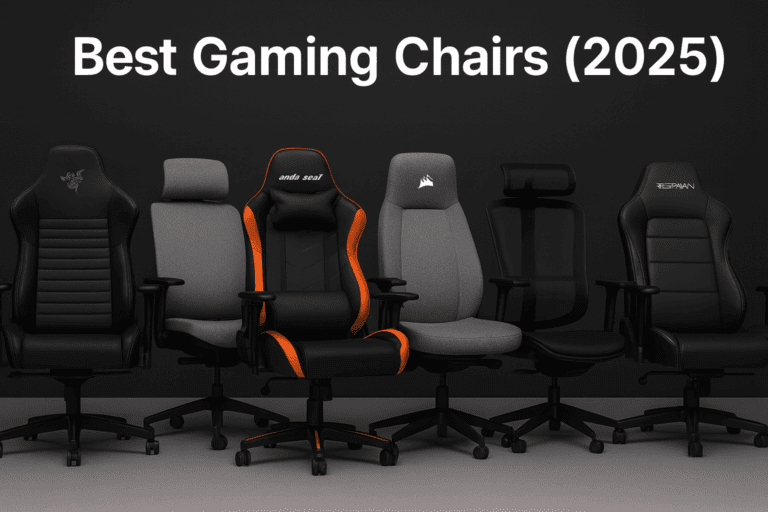
Best Gaming Chairs
← Back to Gaming Accessories Hub Image © Free Gaming Lounge — used for editorial coverage Best Gaming Chairs (2025) Looking for the best gaming chairs 2025? These are the models that keep showing up in recent expert tests, ergonomics guides, and long-term owner reviews — from true office-grade chairs to breathable mesh and big-and-tall […]
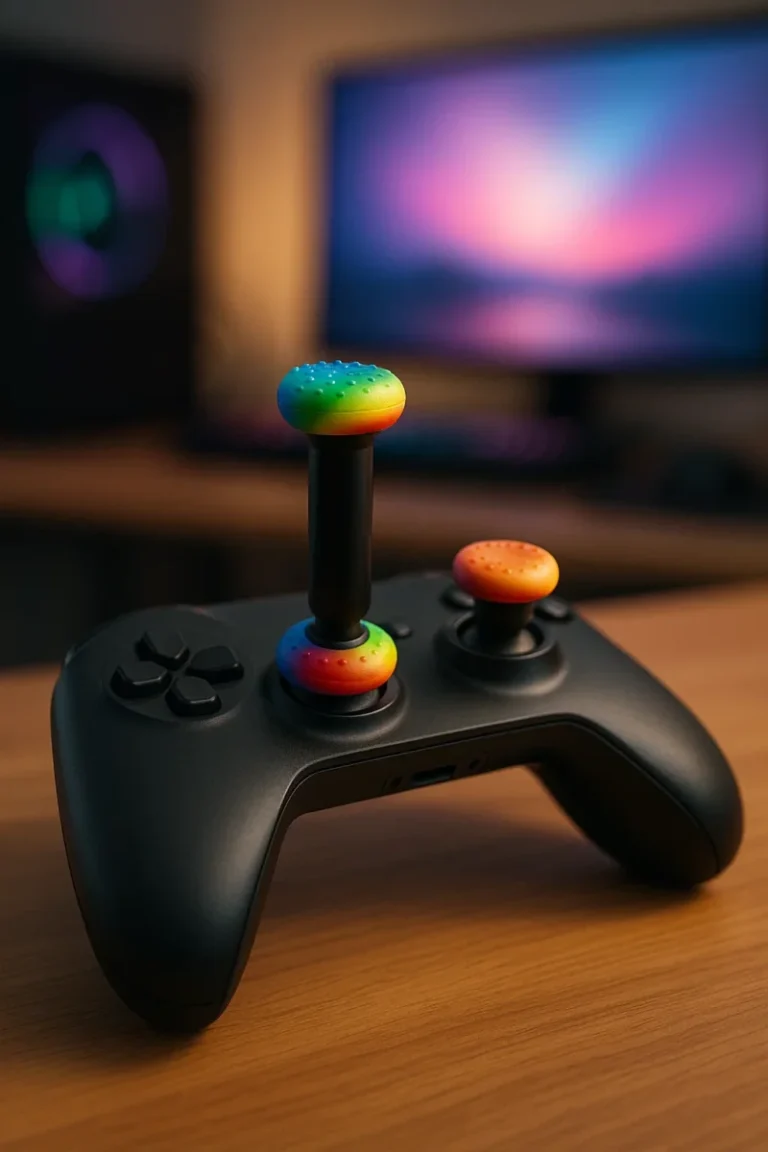
Do Thumb Grips and Thumbstick Extenders Really Help Your Aim?
Do Thumb Grips and Thumbstick Extenders Really Help Your Aim? Thumb grips and thumbstick extenders promise better aim, more comfort, and less wear on your controller. This guide breaks down what they actually do, how much they really help, and when they’re not worth the hassle. Last updated: 2025-11-18 Thumb grips and a high-rise thumbstick […]
Best Controller for PC Gaming (Hall Effect, Wireless & Budget Picks)
Best Controller for PC Gaming (Hall Effect, Wireless & Budget Picks) If you’re looking for the best controller for PC gaming, this guide cuts through the noise and focuses on pads that actually feel good to use: low input lag, comfortable shapes, and better protection against stick drift for Steam, Game Pass, and everything in between. […]
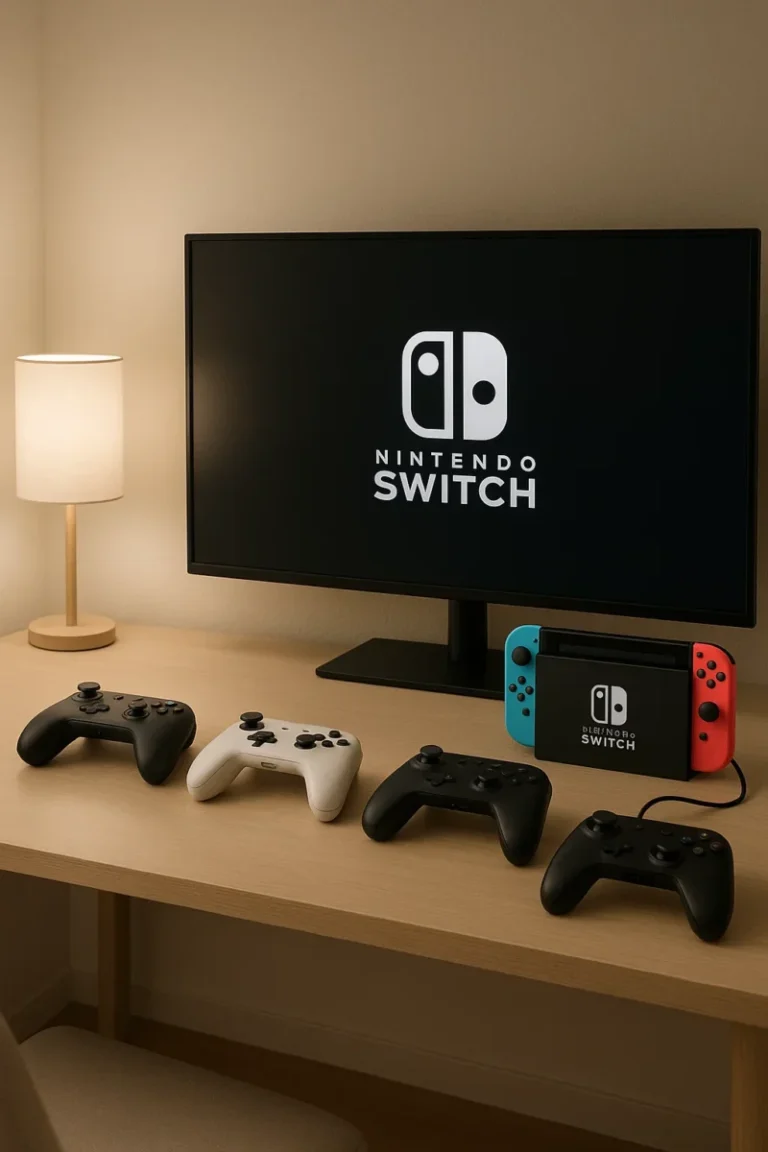
Best Nintendo Switch Controllers (Pro, Budget & Handheld Picks)
Best Nintendo Switch Controllers (Pro, Budget & Handheld Picks) These are the best Nintendo Switch controllers right now if you care about comfort, low-latency wireless, and avoiding stick drift — whether you’re on a launch Switch, Switch OLED, or getting ready for Switch 2–era compatibility. Last updated: 2025-11-16 This guide is part of our controller […]
Best Streaming Microphone (2025–2026): USB & XLR Picks
← Back to Gaming Accessories Hub Image © Free Gaming Lounge — used for editorial coverage Best Streaming Microphones (2025–2026) Looking for the best streaming microphone for Twitch, YouTube, or podcasts? These are the mics we actually recommend for 2025–2026 — from simple USB plug-and-play to pro XLR setups with excellent noise rejection. Last updated: […]

Best Xbox Controller (2025 – 2026) — Top Picks for Series X | S and PC
← Back to Gaming Accessories Hub Image © Free Gaming Lounge — used for editorial coverage This guide is part of our Best Gaming Controllers (2025–2026) series. Best Xbox Controllers (2025–2026) Looking for the best Xbox controller for Xbox Series X|S, Xbox One, or Windows PC? These are the pads we’d actually buy in 2025–2026 […]
Best Gaming Desks for PC & Console Setups (Updated 2025)
Best Gaming Desks for PC & Console Setups (Updated 2025) ← Back to Best Gaming Accessories Hub Image © Free Gaming Lounge — used for editorial coverage Shopping for the best gaming desks doesn’t have to be guesswork. You need stability, real desktop depth, and clean cable routing. If you can add sit–stand, even better. […]
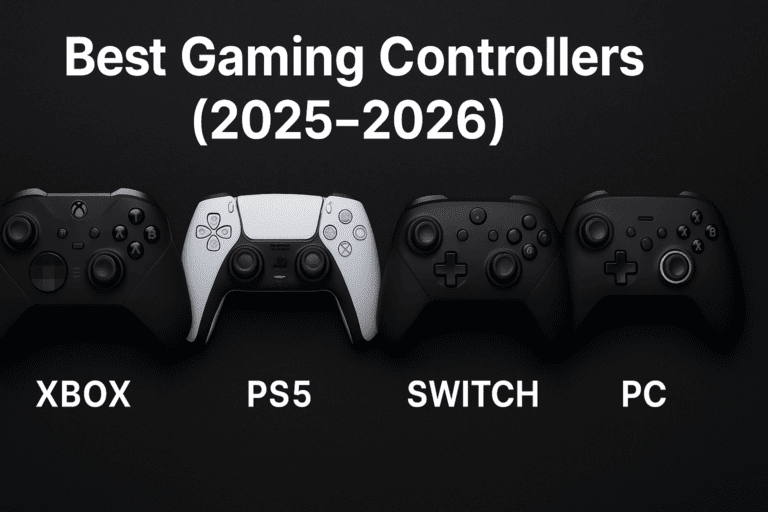
Best Gaming Controllers (2025–2026)
← Back to Gaming Accessories Hub Want picks for a specific system? Check our guides for Xbox, PS5, Nintendo Switch, and PC. Image © Free Gaming Lounge — used for editorial coverage Best Gaming Controllers (2025–2026) This hub rounds up the best gaming controllers across Xbox, PS5, Switch, and PC in 2025–2026. Start with our […]
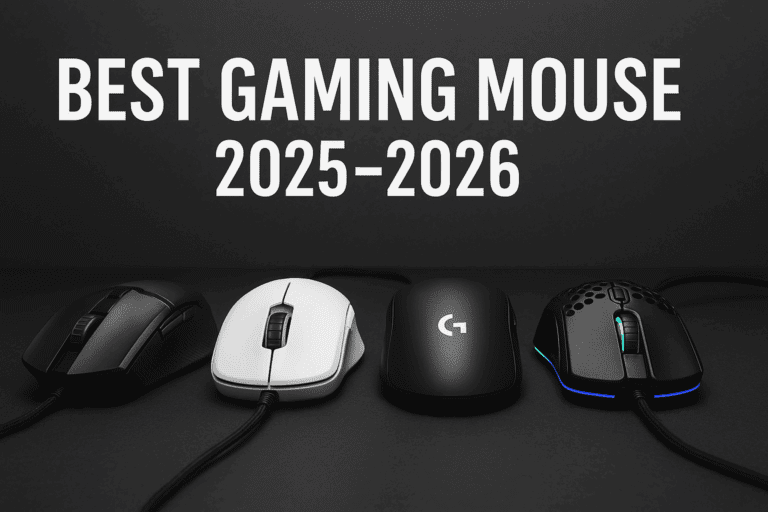
Best gaming mouse 2025: Top wireless & budget picks
← Back to Gaming Accessories Hub Image © Free Gaming Lounge — used for editorial coverage Best Gaming Mice (2025–2026) Looking for the best gaming mouse 2025 that actually feels right in your hand instead of just flexing DPI numbers? This guide focuses on real-world comfort, shape, and latency — the stuff that actually helps […]
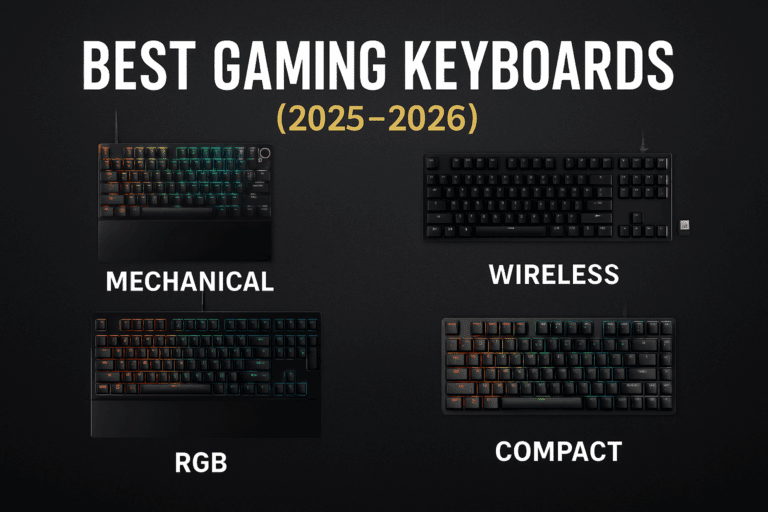
Best Gaming Keyboards (2025–2026): Top Mechanical & Wireless Picks
← Back to Gaming Accessories Hub Best Gaming Keyboards (2025–2026) Looking for the best gaming keyboards that actually feel good to play on and won’t fall apart after a few seasons of ranked? This guide focuses on proven boards across budgets—from under-$50 membranes to magnetic rapid-trigger flagships and low-profile wireless picks. Last updated: 2025-11-18 Part […]

Best Budget Gaming Headset – Top Wired & Wireless Picks
← Back to Gaming Accessories Hub Best Budget Gaming Headsets (Wired & Wireless) The best budget gaming headsets don’t have to sound cheap. You can get clear team chat, solid positional audio, and all-night comfort without dropping $200+. This guide focuses on the best budget gaming headsets that are actually worth buying in 2025 — […]